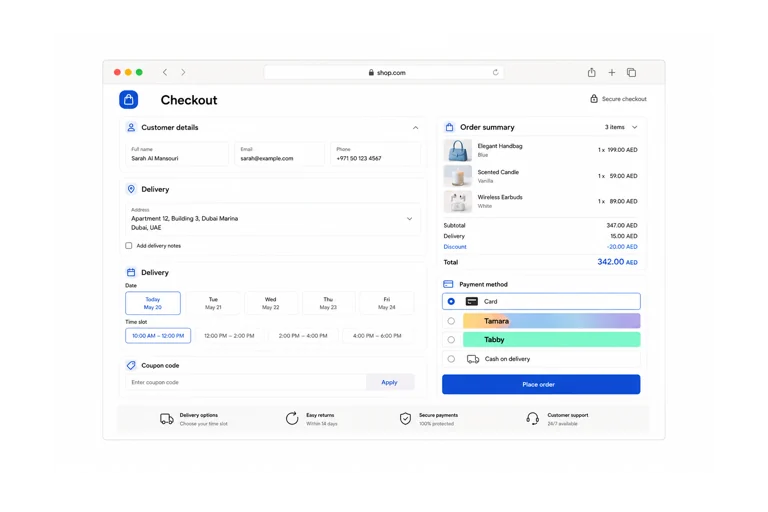
Sell on your own domain with product variants, coupons, shipping, returns, and stock shared with your counter.
Priced by branches and usage. See pricing for what each plan includes.
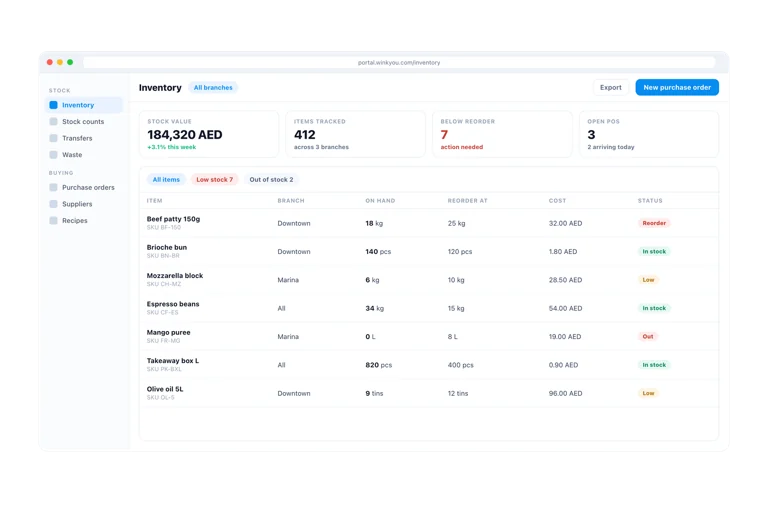
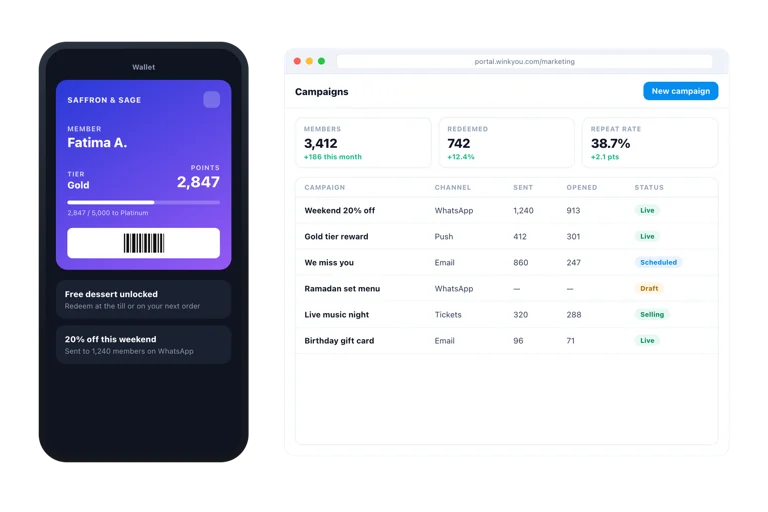
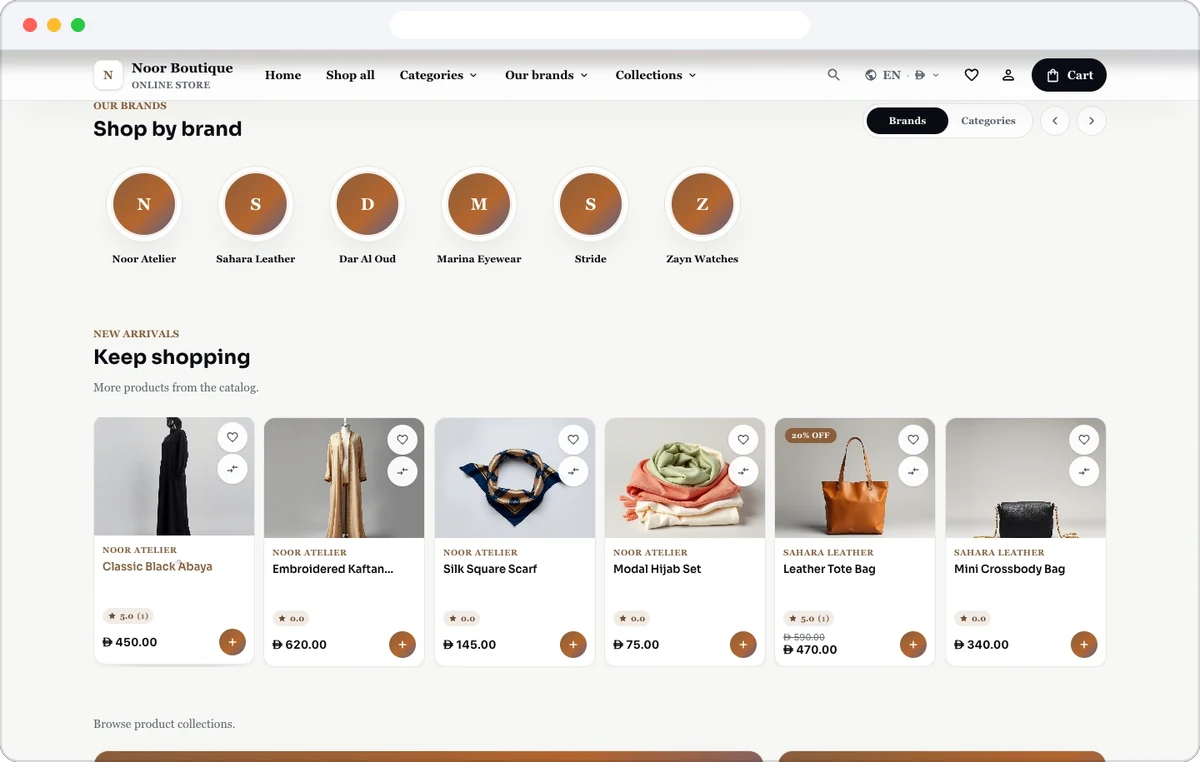
Wink Store is a complete e-commerce product for businesses that sell physical or digital goods. It has its own vocabulary rather than a restaurant’s: SKUs and variants, brands and collections, shipping zones and rates, wishlists, customer accounts, order returns and tax numbers on the invoice. It shares the product catalogue, stock and customer records with the rest of the platform, so a sale at the counter and a sale on the site draw down the same shelf.
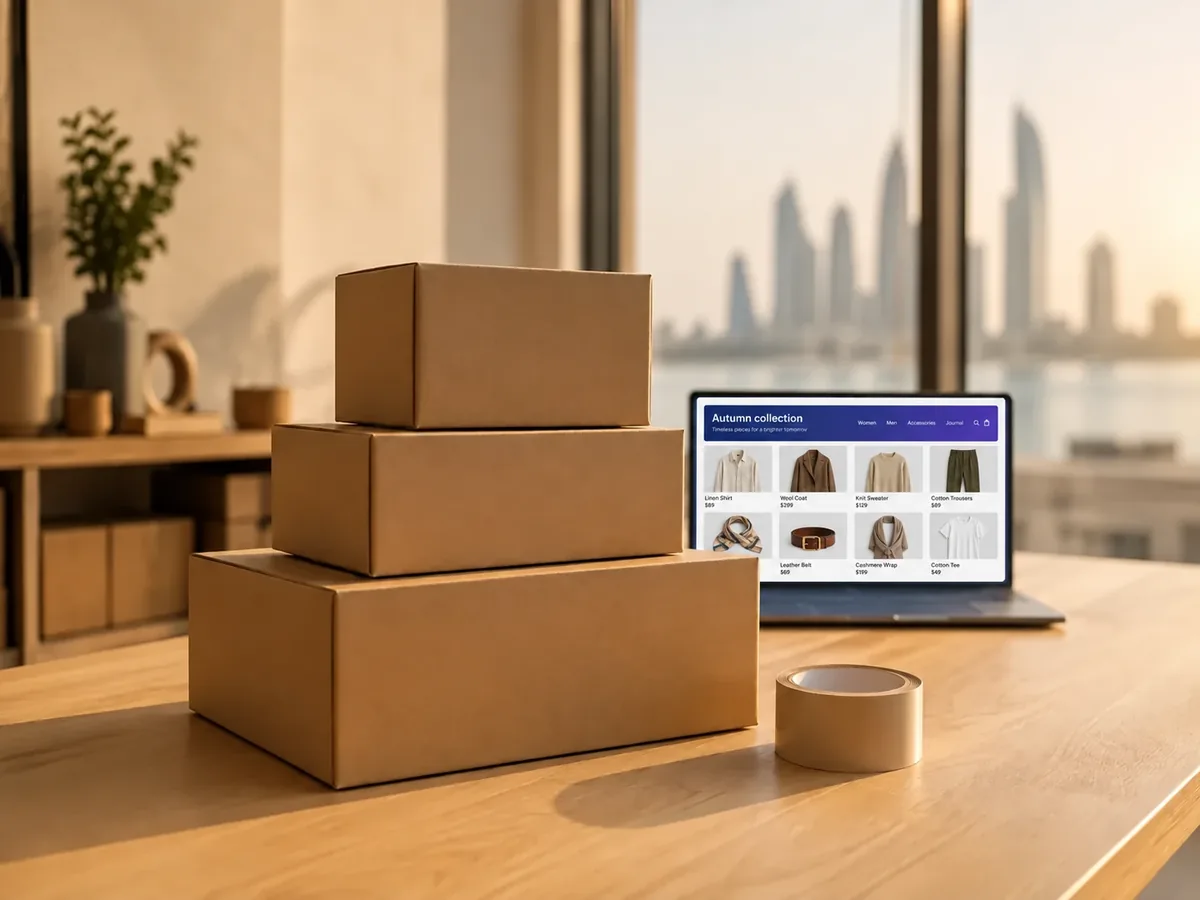
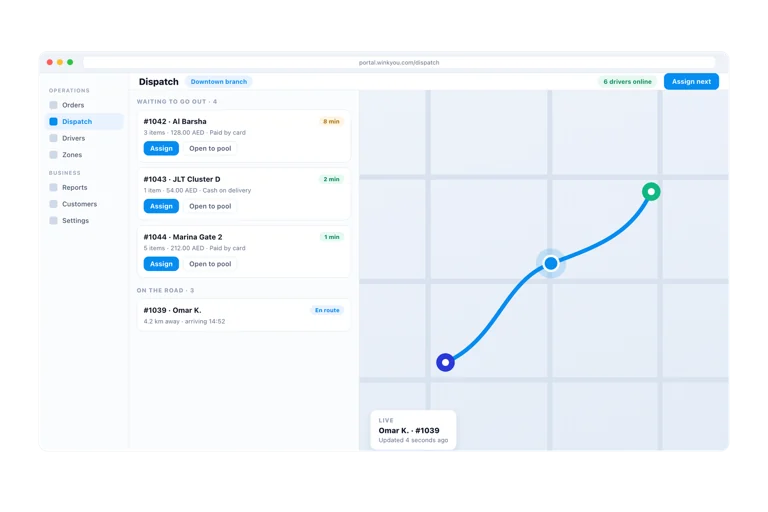
Connect your own Aramex or SMSA Express account, create waybills and print shipping labels from the order, or switch on automatic waybills for every order that is ready to ship. Aramex can price each cart live at checkout from the customer’s city and the cart weight, while an SMSA method uses the fee you set. For any other courier, type the tracking number and link and the customer is notified.
Set shipping zones and methods with their own fees and free shipping over an amount you choose, offer cash on delivery, pickup and tips, and pick which branch ships online orders. Cash on delivery is marked paid when the money comes in.
Customers request a return from their account after the order is delivered or collected, and follow it through requested, approved, received and refunded. Items marked restock go back on the shelf, and the refund goes back the way the customer paid. You set the return window.
Recovery emails go to shoppers who started checkout but did not pay, with a one tap link back to their saved cart, after a wait you choose from 15 minutes to 24 hours. You see reminders sent, links opened and carts recovered and paid. Shoppers can also ask to be emailed when a product is back in stock.
Give a product sizes and colours, each with its own SKU, barcode, price and stock, import products from a spreadsheet, and put items on sale with a compare at price. Sell digital products and gift codes with secure downloads, and collect reviews with photos that you approve before they show.
Offer buy now, pay later with Tabby and Tamara on your own merchant accounts, beside card gateways such as Stripe, Ziina, MyFatoorah, Network International and Paymob, plus gift cards and store credit. Every active provider that supports your store’s currency is offered at checkout.
The platform runs both products, but a business is set up as one or the other so the vocabulary matches what you sell. A restaurant does not get shipping zones it will never use, and a shop does not get kitchen routing.
Card, cash on delivery, gift card and store credit, plus whichever gateway you connect. Payments use the same system as the till, so a refund works the same way in both.
Open Shipping carriers, connect your Aramex account with its details and pickup address, then link a shipping method to Aramex. From then on you can create waybills from the order, print labels, switch on automatic waybills, and charge the Aramex live price at checkout.
Aramex and SMSA Express connect directly today. For another courier, keep the shipping method on shipping it yourself, book the parcel in the courier’s own system, and type the tracking number and link on the order so the customer can follow it.
Get your keys from the Tabby or Tamara merchant dashboard, open Pay Later in Business Admin, switch the provider on and paste the keys, testing in sandbox mode first. They are offered when they support your store’s currency, and refunds on a return go back through the same provider.
The customer requests a return from their account after delivery or collection. You approve or reject it, mark it received when the parcel arrives so restocked items go back into stock, then refund it. The customer sees each step in their account.
Yes. Switch on recovery emails and choose how long to wait. Shoppers with an email address get one reminder per cart with a link back to it, shoppers who unsubscribed are skipped, and the Abandoned Carts page shows how many were recovered and paid.
Yes. Sell digital products and gift codes alongside physical goods. The customer gets a secure download or the code after paying, and finds it again under downloads in their account.
Add your products, set up shipping and payment, and design the storefront with themes, banners and pages in Business Admin. Preview the unpublished store with an access code, then publish it on your own domain when it is ready.
Send a message or reach us on WhatsApp. We will show you the right setup for your restaurant or your store.