Reservations, a floor plan with live table sessions, orders that reach the kitchen with every note, and a bill that splits the way the table wants. The system stays out of sight so the room feels personal.
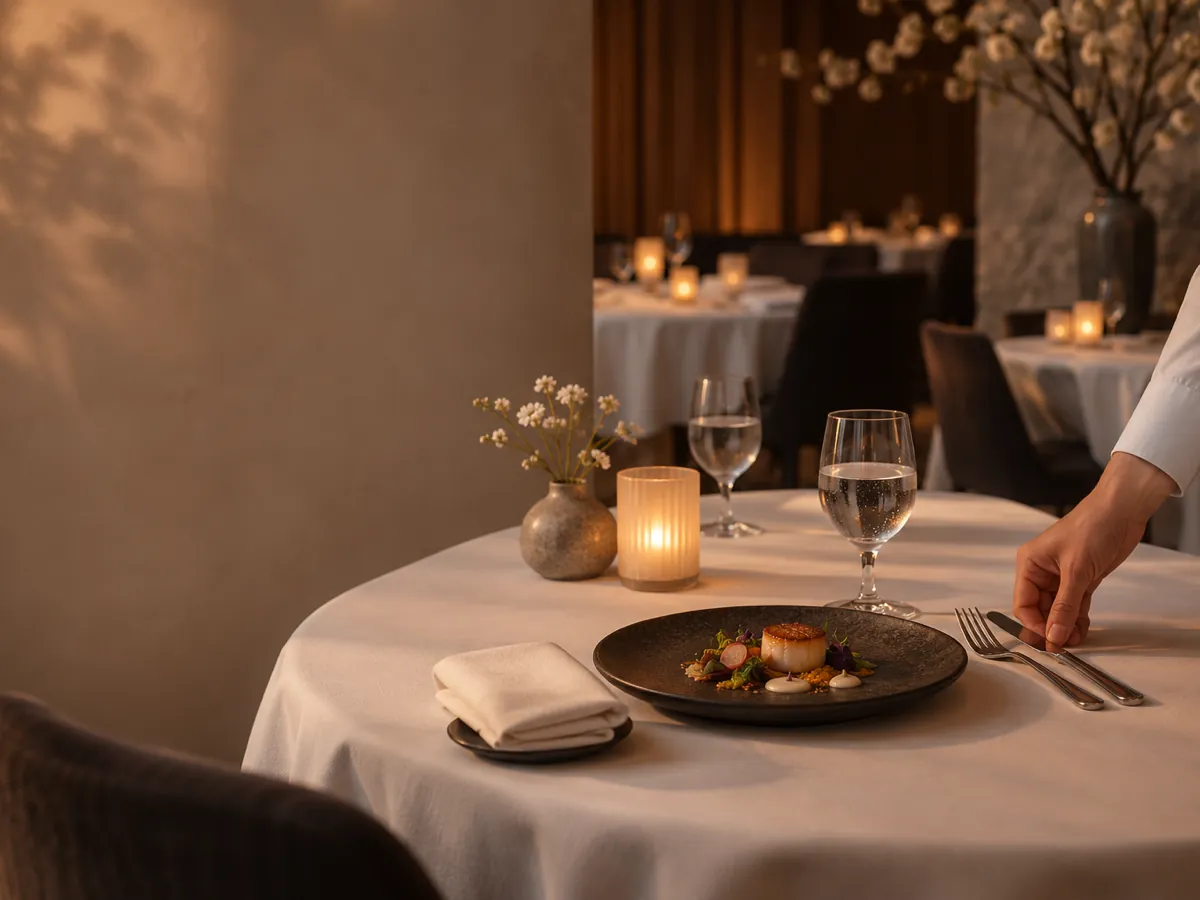
Guests notice a long wait for the bill, a dish that arrives without the change they asked for, or a host who cannot find their booking. They should never notice the software that prevents those things.
Wink You runs the room behind the scenes: bookings and the waitlist at the door, a table session that holds every round, notes and options that travel to the kitchen exactly as the server took them, and a bill that splits by item, equally or across several payment methods.
Take bookings by phone or online, send confirmations and reminders by email, and keep a waitlist that tells guests when their table is ready.
Tables and reservationsLay out every floor and area. A table session holds every round until the bill, and tables can be moved, merged and marked clean.
Tables and reservationsOptions, allergies and kitchen notes reach the kitchen display as the server entered them, and changed or rushed orders are marked clearly.
Kitchen displaySplit by item, split equally, or take cash, card and gift card on one bill. A customer display can ask for a tip.
PaymentsCustomer profiles keep each guest's order history, spend and tags, and loyalty rewards them with a pass in Apple Wallet.
Marketing and loyaltyRecipes take stock as dishes sell, so each plate shows its cost and margin, with purchase orders for your suppliers.
InventoryYes. Guests can book online, and your team adds phone bookings in the dashboard. Confirmations and reminders go out by email, and a waitlist handles guests who arrive without a booking.
Yes. A table session stays open from the moment guests sit down, every round is added to it, and the bill is settled once at the end.
Yes. Split it by item, split it equally between a number of guests, or take several payment methods on one bill, such as cash, card and a gift card.
As options and notes on the item. They show on the kitchen display with the dish, and products can also carry allergens and calories for guests who read the menu.
Yes. Voids, discounts and other sensitive actions can require a manager PIN on the POS, and every one of them shows in your reports.
Yes. Station Ops gives your team push to talk voice channels and quick signals between stations, alongside the kitchen display.
No. Servers can take every order on the POS. The QR Digital Menu is optional, for example to let guests browse the menu or call a waiter from the table.
One system runs every kind of restaurant, so it grows with you if your format changes.
Contact us and we will show you a demo that fits your restaurant or shop. No commitment.
Send a message or reach us on WhatsApp. We will show you the right setup for your restaurant or your store.

