Assign orders, follow drivers on the map, and keep customers updated until the handover is confirmed.
Priced by branches and usage. See pricing for what each plan includes.
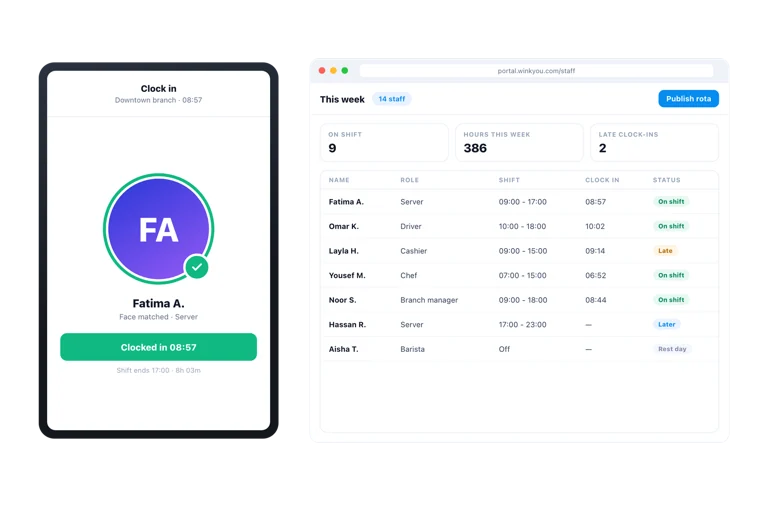
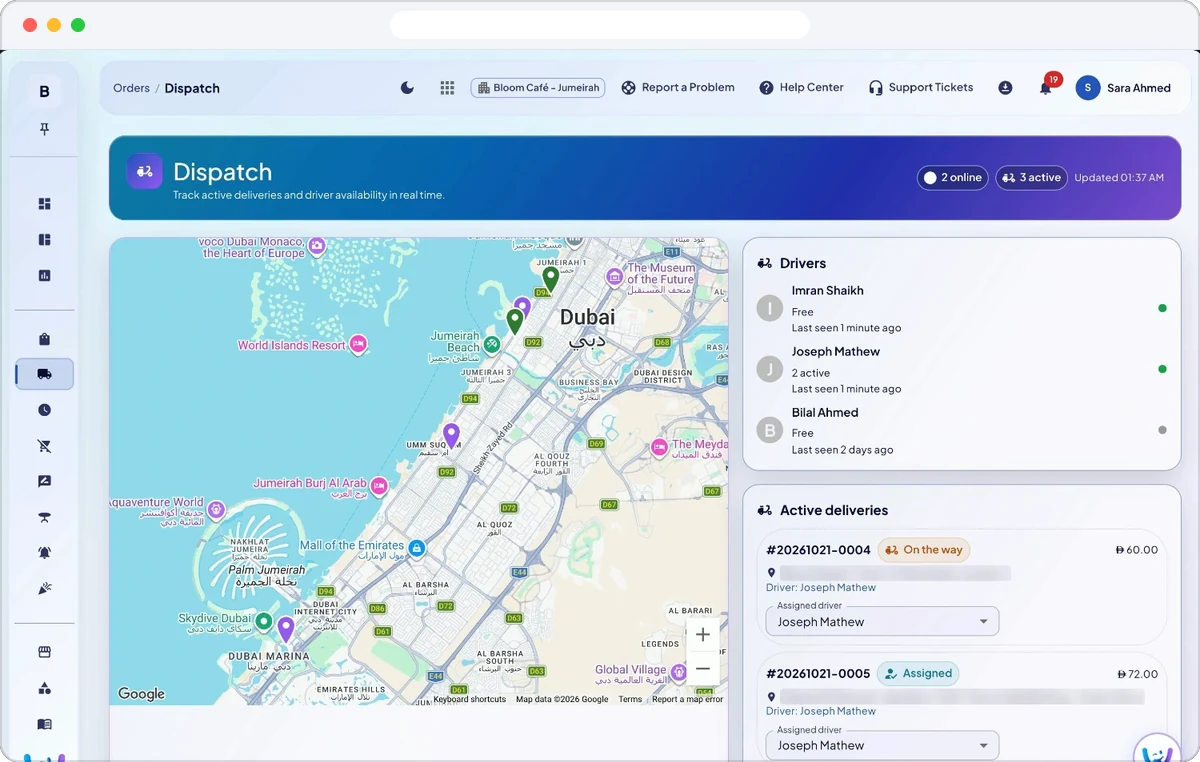
Wink Drive is the delivery half of the platform: a dispatch view where a manager sees every order that has to leave the branch and every driver who is online, and a driver app for iPhone and Android that shows only the runs assigned to that driver. The driver navigates, calls the customer, and advances the status, while their location streams back so the branch and the customer can both see the run in progress.
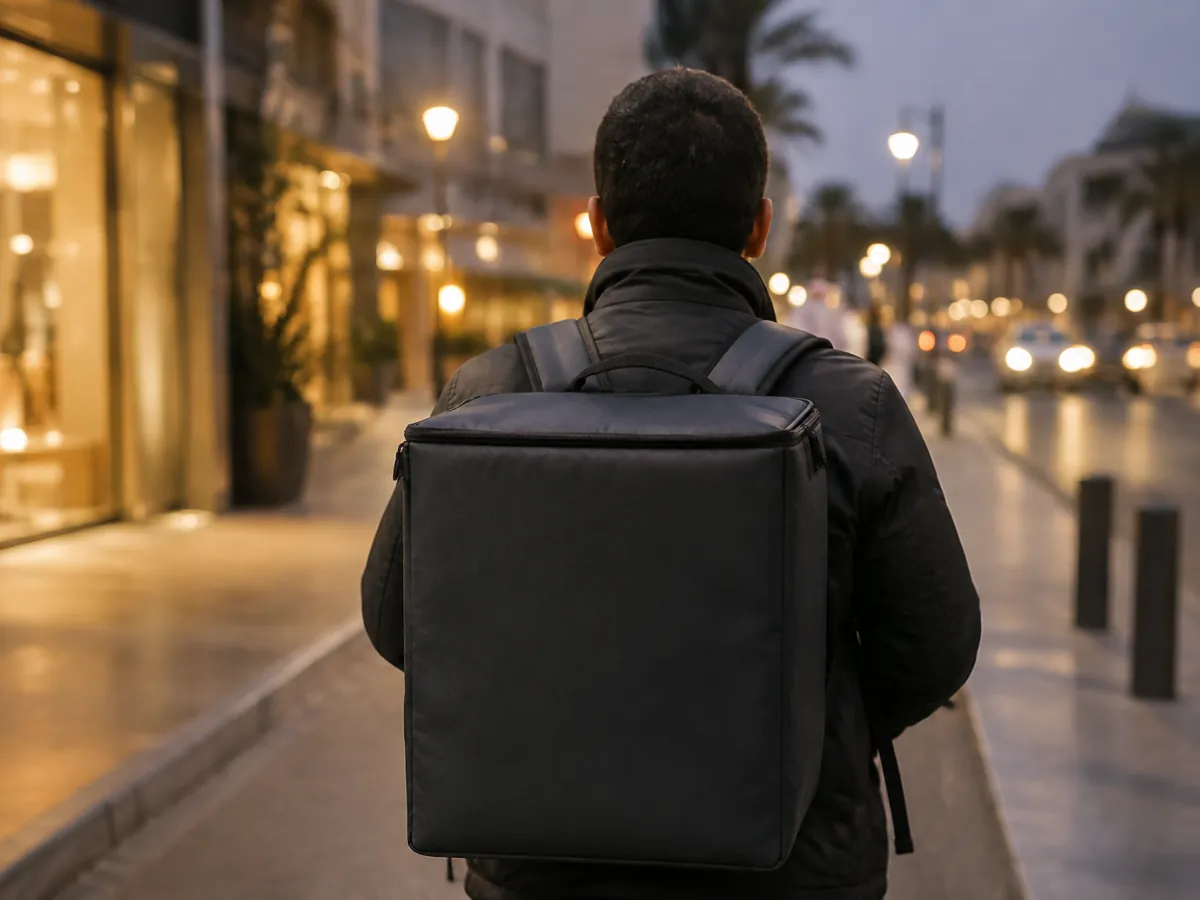
Each branch chooses how drivers get orders: staff pick a driver for each delivery on the dispatch board, or drivers claim deliveries themselves from a shared pool in the driver app. Drivers are staff members with the driver role, so no separate system is needed for them.
Set your own delivery fee per branch and the furthest distance you deliver, measured from the branch pin, and orders pinned further away are refused. Switch on live GPS tracking with the update interval you want, and the customer follows the driver on the map until the handover.
Every delivery moves through picked up, out for delivery and delivered, or failed, from the driver app or the order screen. The branch sees which drivers are online and how many orders each one carries.
Add Talabat, Keeta, Deliveroo, Noon or another app as a delivery channel for each branch, with its price adjustment and the commission it charges. Staff ring up an app order on the POS with the app’s order number. The apps are not connected automatically, so these orders are typed in at the till, and the reports show each app’s sales and commission.
No, and that is deliberate. A browser cannot stream location reliably in the background, which is the entire point of a driver app. Managers use the dispatch board in the web admin instead.
No. Location is streamed only while a driver has gone online in the app, and it stops the moment they go offline. Nothing is collected outside that window.
Add each driver on Staff with the driver role, and they sign in to the driver app on iPhone or Android. Open Dispatch to see who is online and every open delivery, then assign each order or let drivers claim them, and follow the runs on the map.
Yes, when the branch sets Driver assignment to self claim. Open deliveries then wait in a shared pool in the driver app, and the driver who claims one gets it.
Yes, while the branch has live GPS tracking switched on and the driver is online. The customer is told when the order leaves the branch and follows the driver until the handover.
In Business Admin open Branches, Configure, then Location and Delivery. Drop the branch pin, type the delivery fee in your currency, or 0 for free delivery, and the furthest delivery distance in kilometres. The fee is added to every delivery your own drivers take, on the POS and the QR menu.
No. Delivery apps are added as delivery channels so staff can ring up their orders on the POS with the app’s order number, marked as paid by the app. Commission and sales per app then show in the reports.
You can run both. Wink Drive handles the orders your own drivers carry, with your own fee and no app commission on them, while app orders are recorded as their own channel, so the reports show what each route earns you.
Send a message or reach us on WhatsApp. We will show you the right setup for your restaurant or your store.