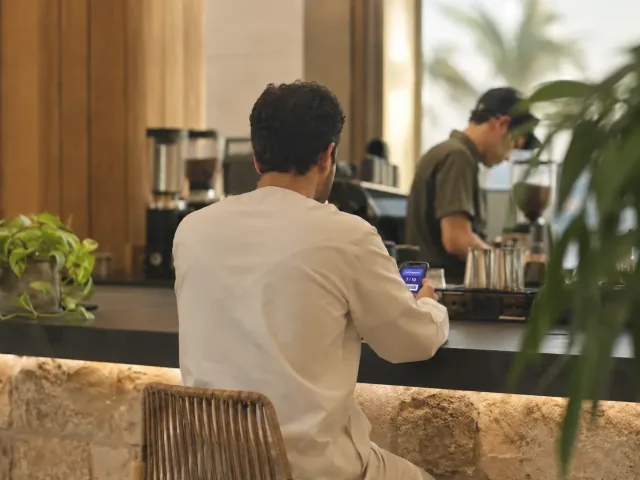
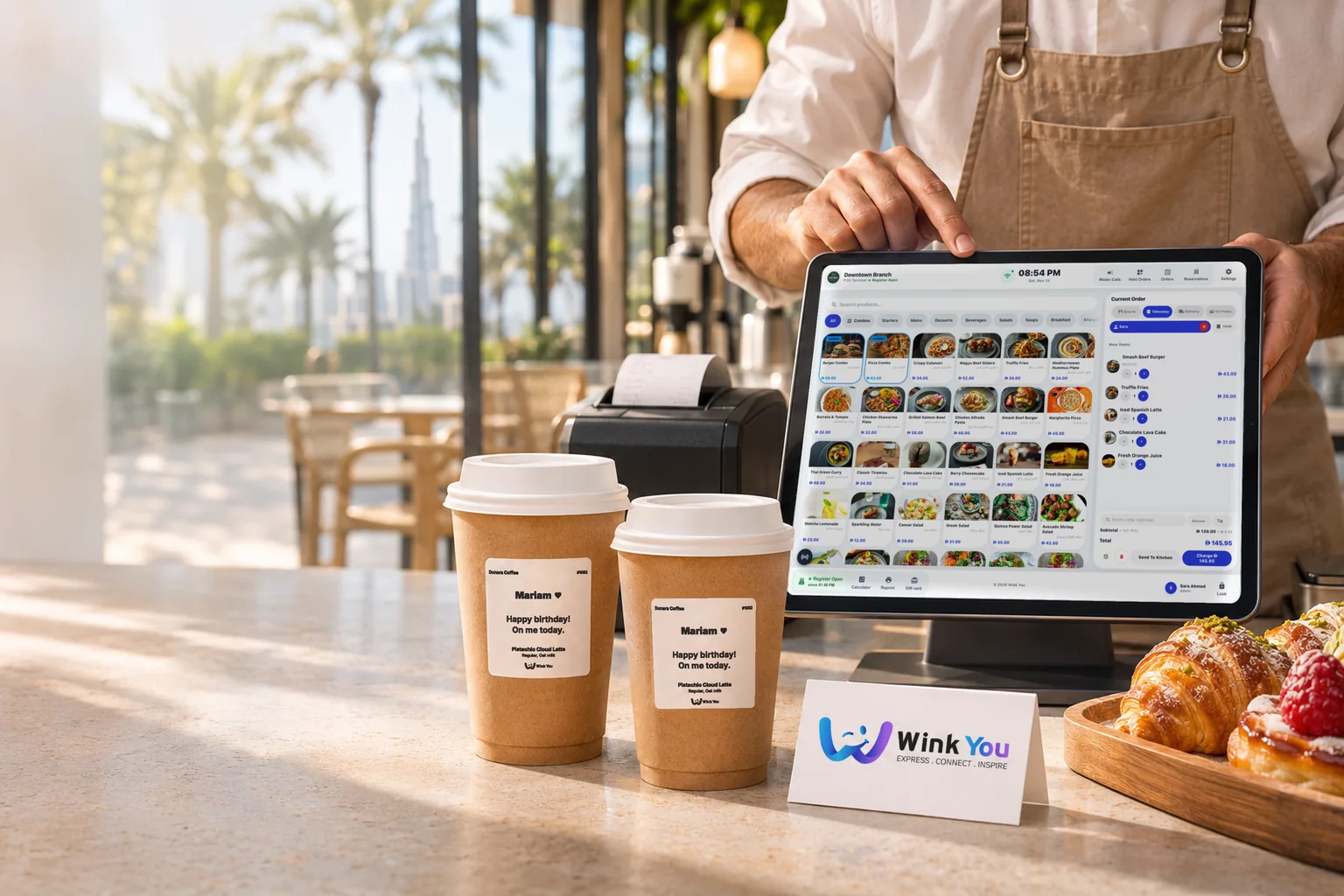
A cafe owner at the counter tapping a tablet, beside a receipt printer and takeaway cups

Sell, serve, and grow with Wink You.

Wink You is one platform for restaurant POS, QR menus, kitchen screens and online stores, with stock, customers and every branch connected.

Live status unavailablePoint of saleKitchen displayQR menuOnline storePaymentsView system status

Two ways to work with Wink You.

Keep your till and sell through the Wink You app, or run the whole business on our system. Pick the one that fits your place today.

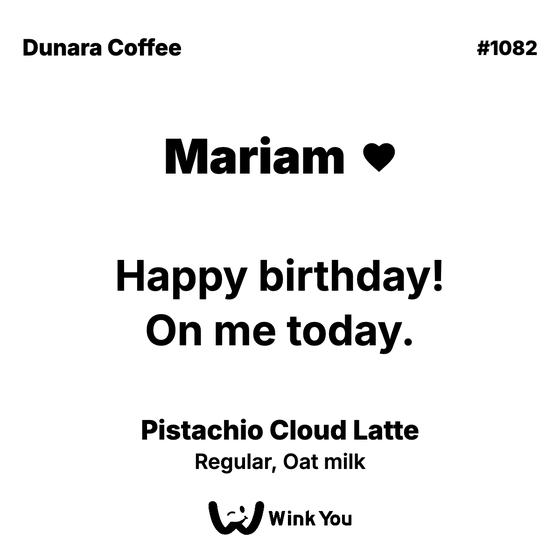
A Wink You gift cup with the name Mariam on its label, handed through a car window
The Wink You app showing the gift code to show at the counter

For places that want to keep their till

Get customers from the Wink You app

People buy your items as a gift for a friend, or order for themselves, and collect at your counter. The app opens soon, and places that join now are in it from day one.

  • Every order arrives already paid
  • Collected at your counter, on foot or by car
  • A chime at your counter for each new order

No monthly plan, commission on what you serve

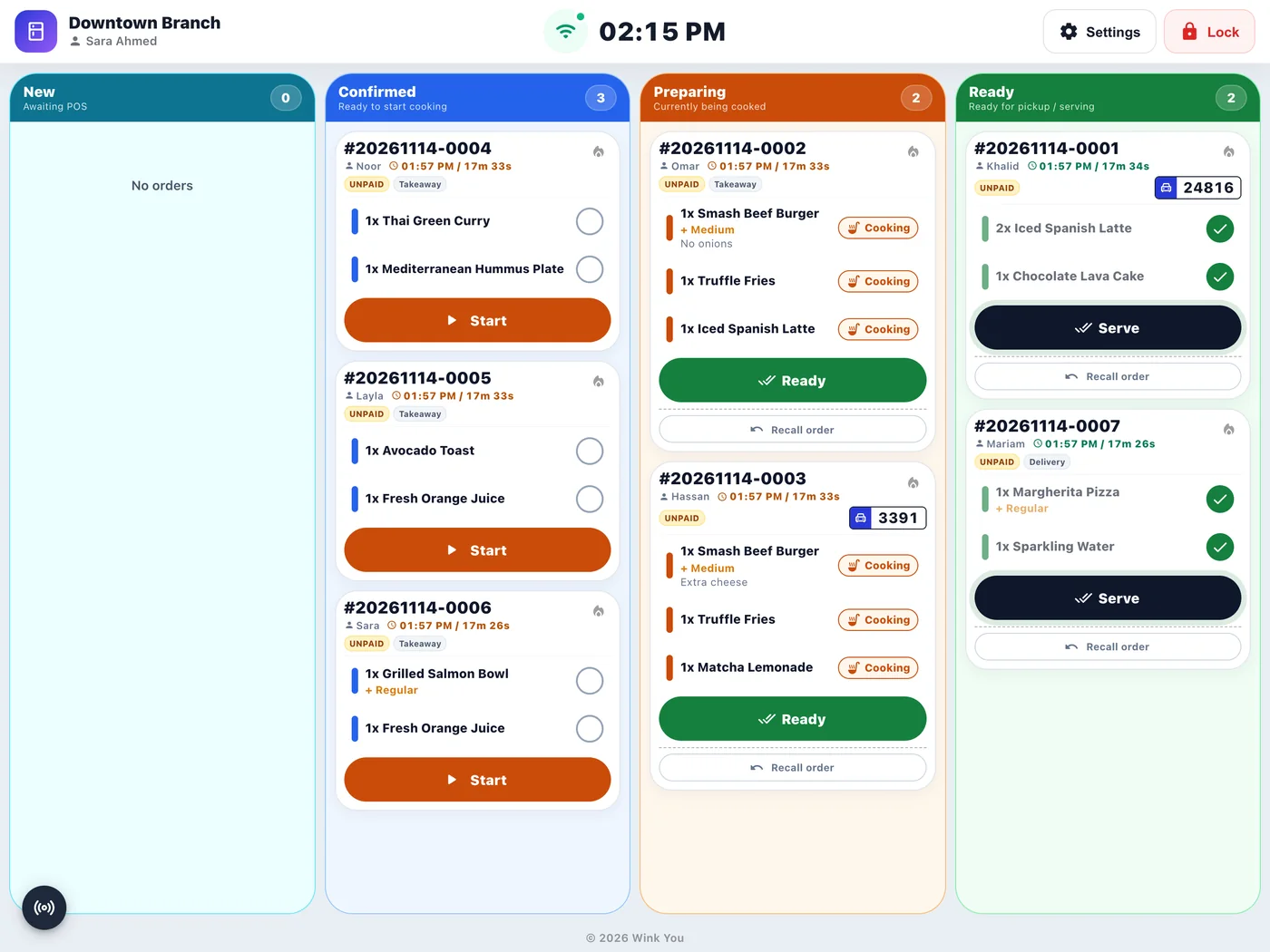
The Wink You kitchen display with orders in Confirmed, Preparing and Ready
New order
The Wink You point of sale with an order ready to send to the kitchen
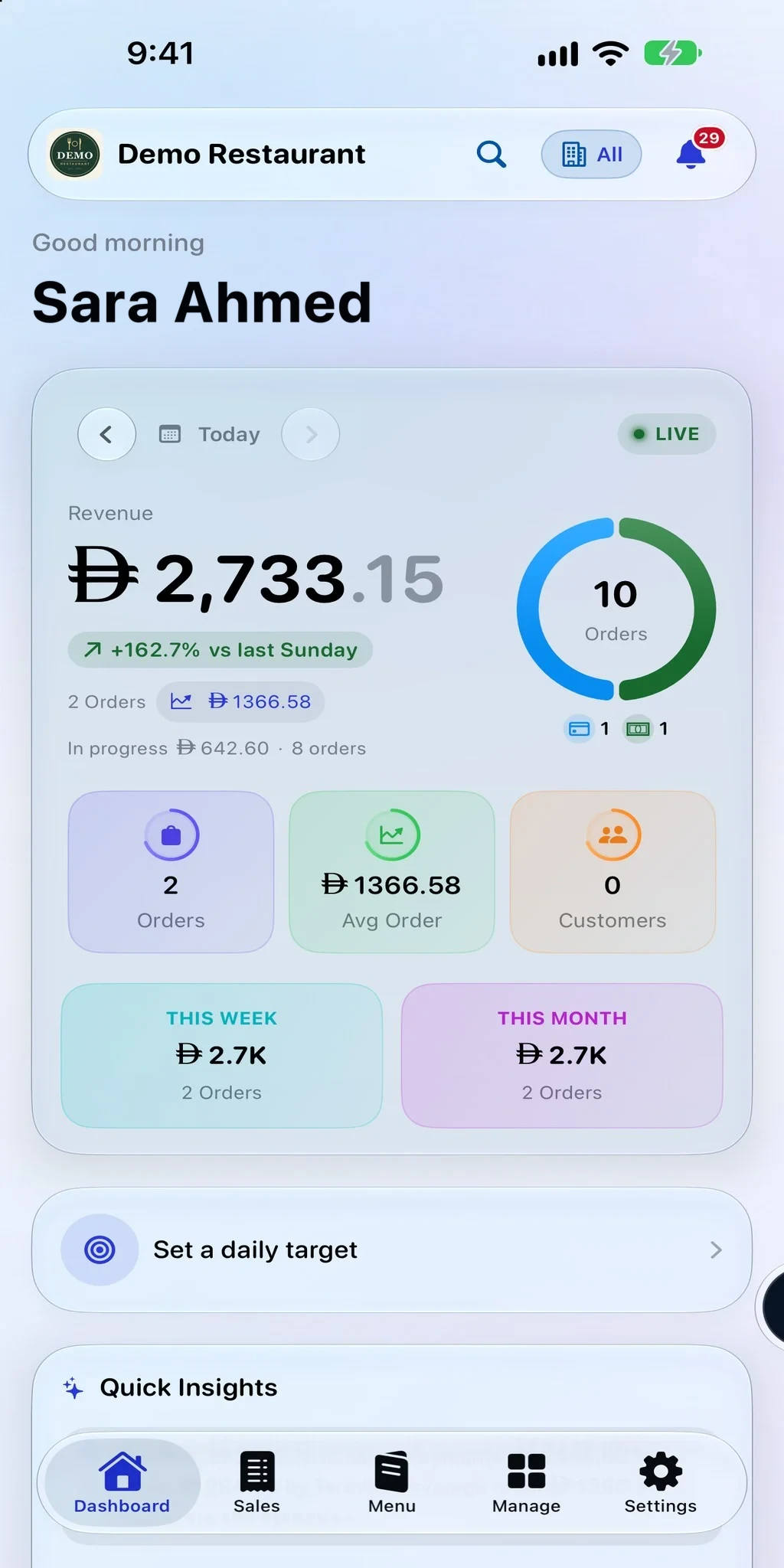
The Wink You Business app showing today's sales on a phone

For places that want one system

Run your business on Wink You

Point of sale, kitchen display, QR Digital Menu, online store, stock and team in one system, with Wink You app orders included.

  • One system for the counter, the kitchen and the office
  • Wink You app gifts and orders on your POS
  • Business Admin on the web and in the Wink You Business app

Plans priced by the size of your business

Not sure which one fits your place? Compare the two ways

The counter, kitchen, and office stay in sync.

A sale updates the team, the customer, the stock count, and the report without duplicated work.

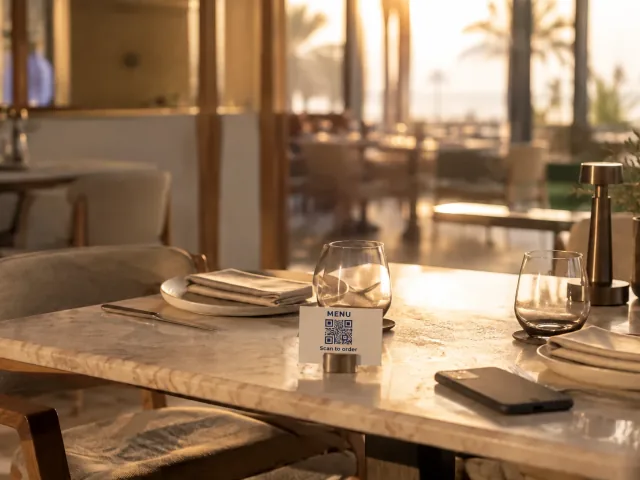
  1. Guest ordersQR menu or the Wink You app
  2. Point of saleThe order lands on the till
  3. Kitchen displayThe kitchen starts cooking
  4. Label printerThe cup gets its name
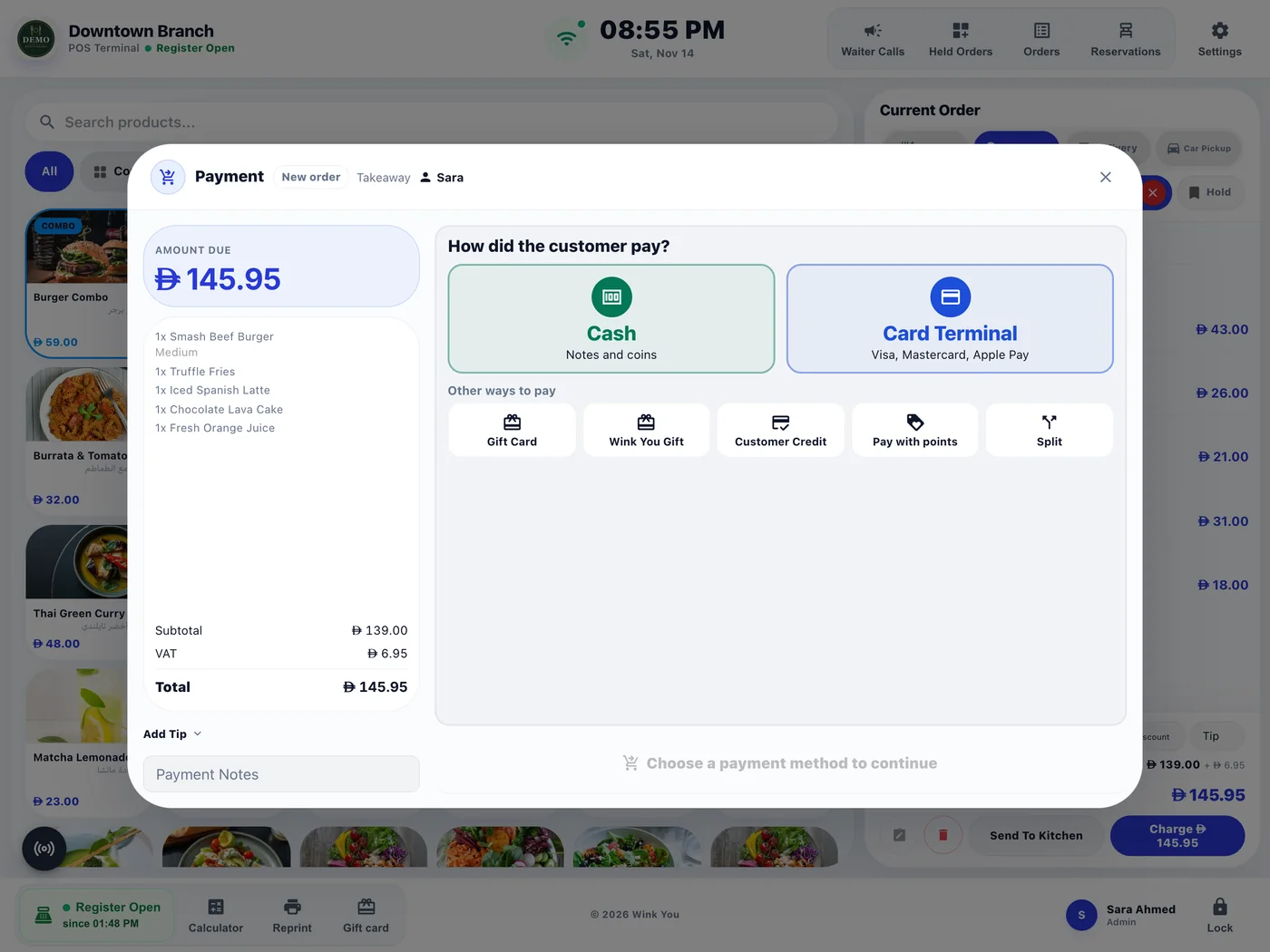
The point of sale payment screen with cash, card terminal, gift card and split

Take every payment

Cash, card, gift cards, and store credit can share one transaction, and payments from your own card terminal are recorded on the bill.

  • Split a bill any way the guest asks
  • Your own card terminal, recorded on the bill
  • Close the day with every payment counted

The kitchen sees it at once

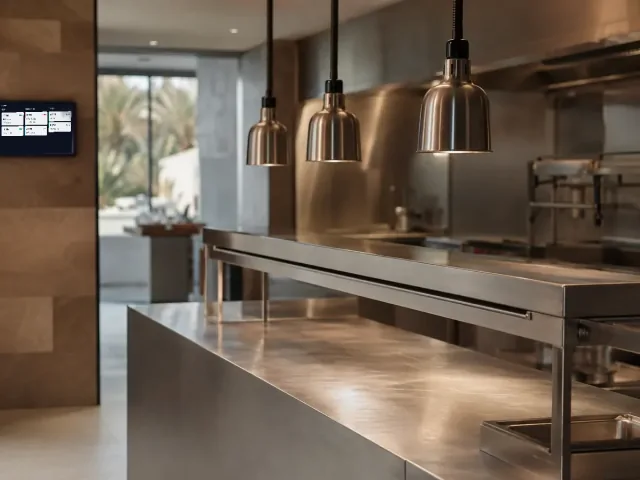
Orders land on the kitchen display in lanes, from confirmed to ready, the second they are sent.

  • Confirmed, preparing and ready lanes
  • Counter, table, pickup and car orders together
  • An alert when an order has waited too long

Cup and order labels print on their own when an order is accepted.

The kitchen display with confirmed, preparing and ready lanes

And the office fits in your pocket.

Wink You Business is the back office on your phone. Scroll to see what it shows you.

Your business in your pocket

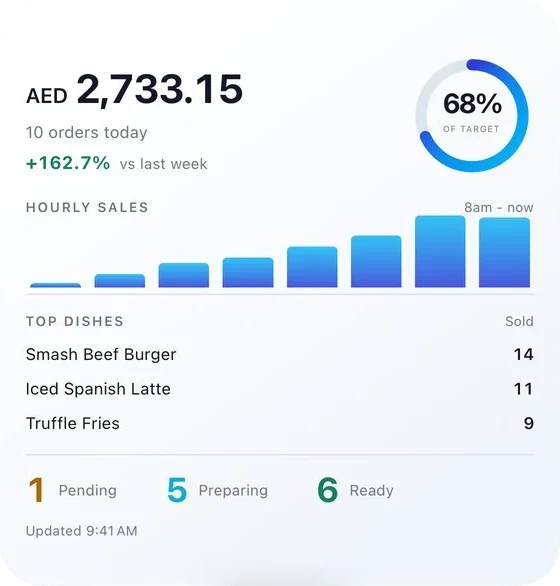
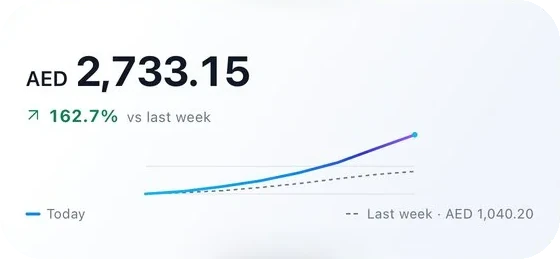
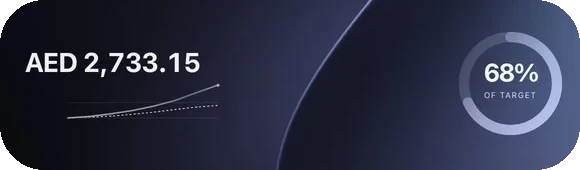
Wink You Business puts today on your phone: revenue, orders in progress and how the week is going, the moment you open it.

  • Sales, orders and average order, live
  • This week and this month at a glance
  • Widgets and the lock screen show it without opening the app
Wink You Business widgets on the home screen showing sales todaySales today on the lock screen

Every order, as it happens

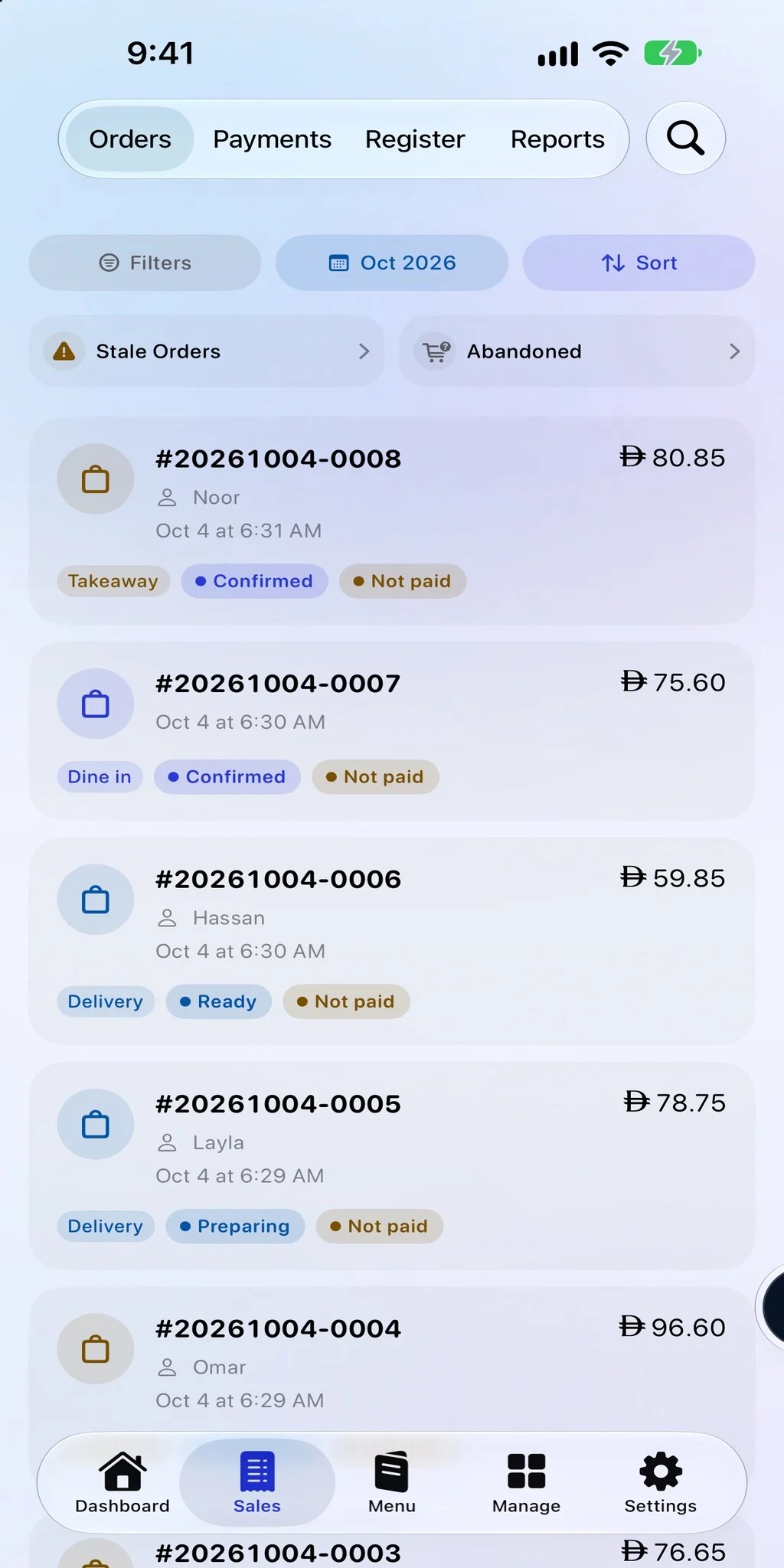
Counter, table, pickup and delivery orders appear together, each with its status and whether it is paid.

  • Dine in, takeaway and delivery in one list
  • Confirmed, preparing and ready at a glance
  • Find any order or payment in seconds

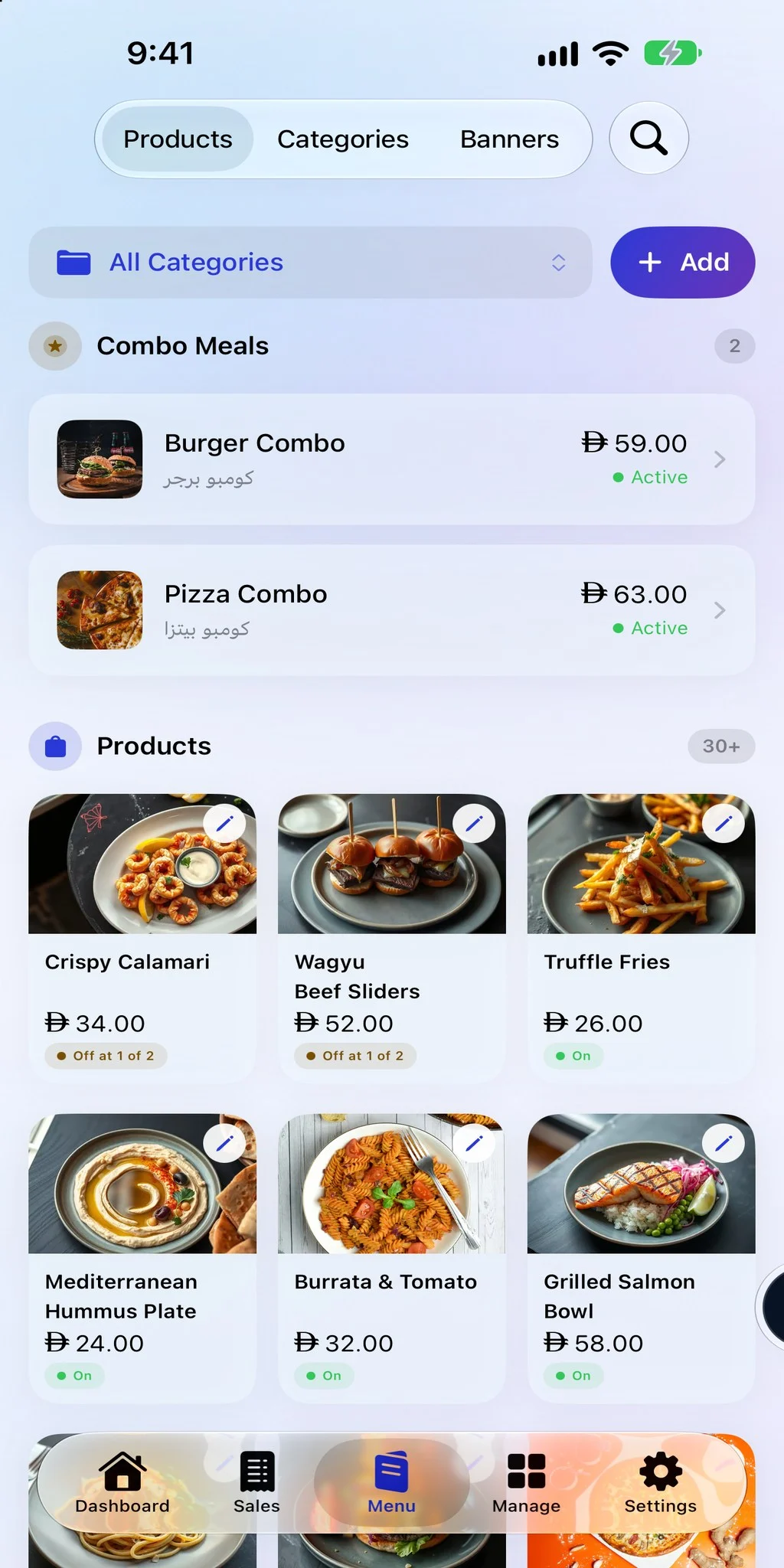
Keep stock accurate

Sales update inventory across the counter, QR menu, and online store.

  • One stock count for every channel
  • Switch an item off the second it runs out
  • No second system to keep in step

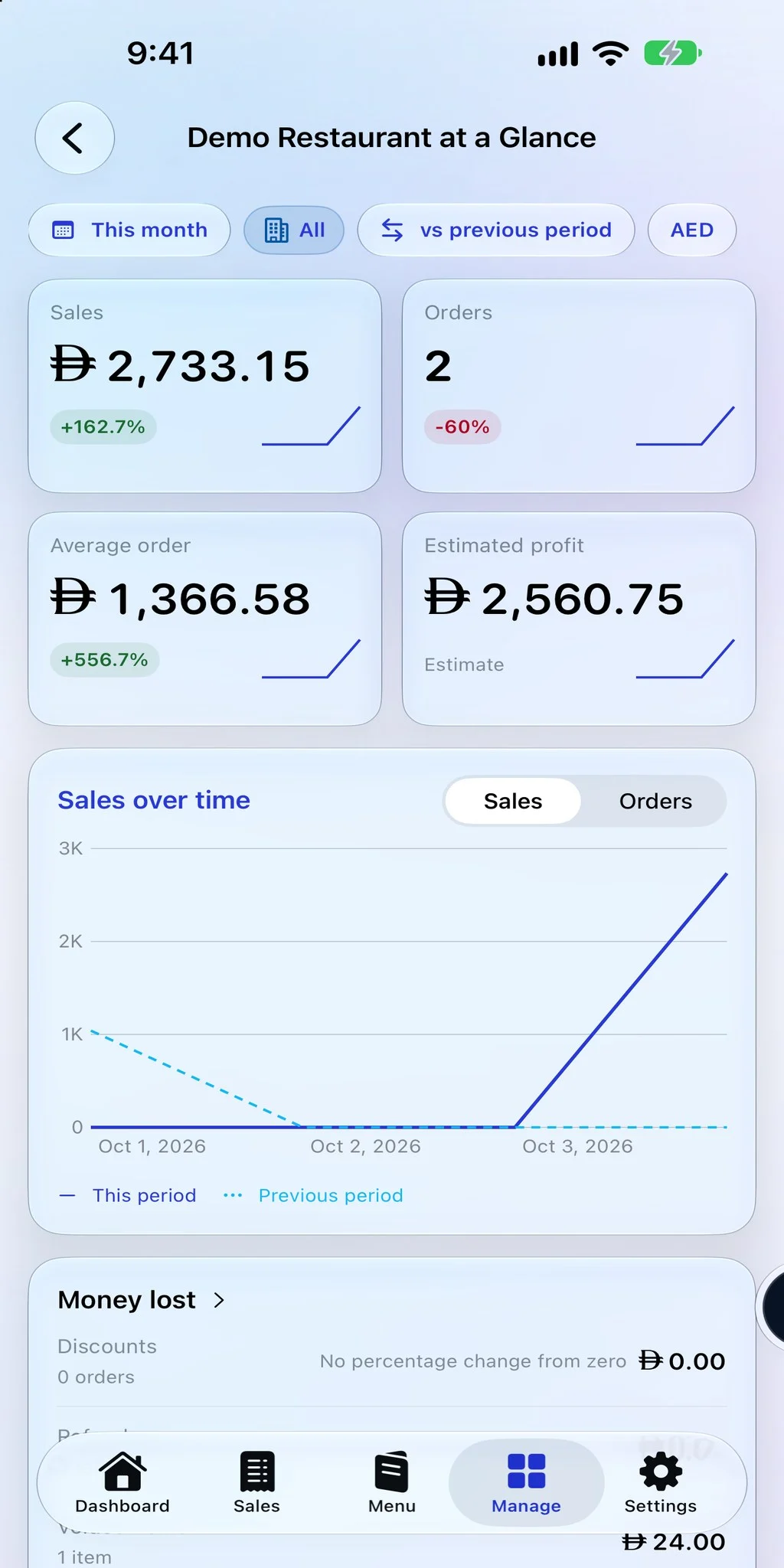
See the day clearly

Review sales, products, payments, and staff activity by branch.

  • Sales and payments as they happen
  • Every branch side by side
  • This period against the last one
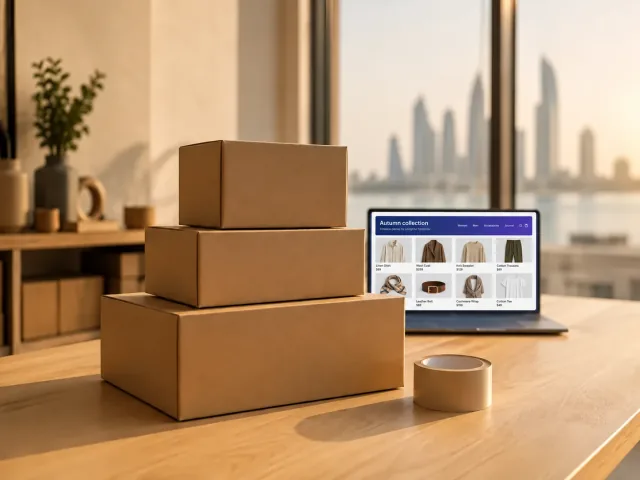
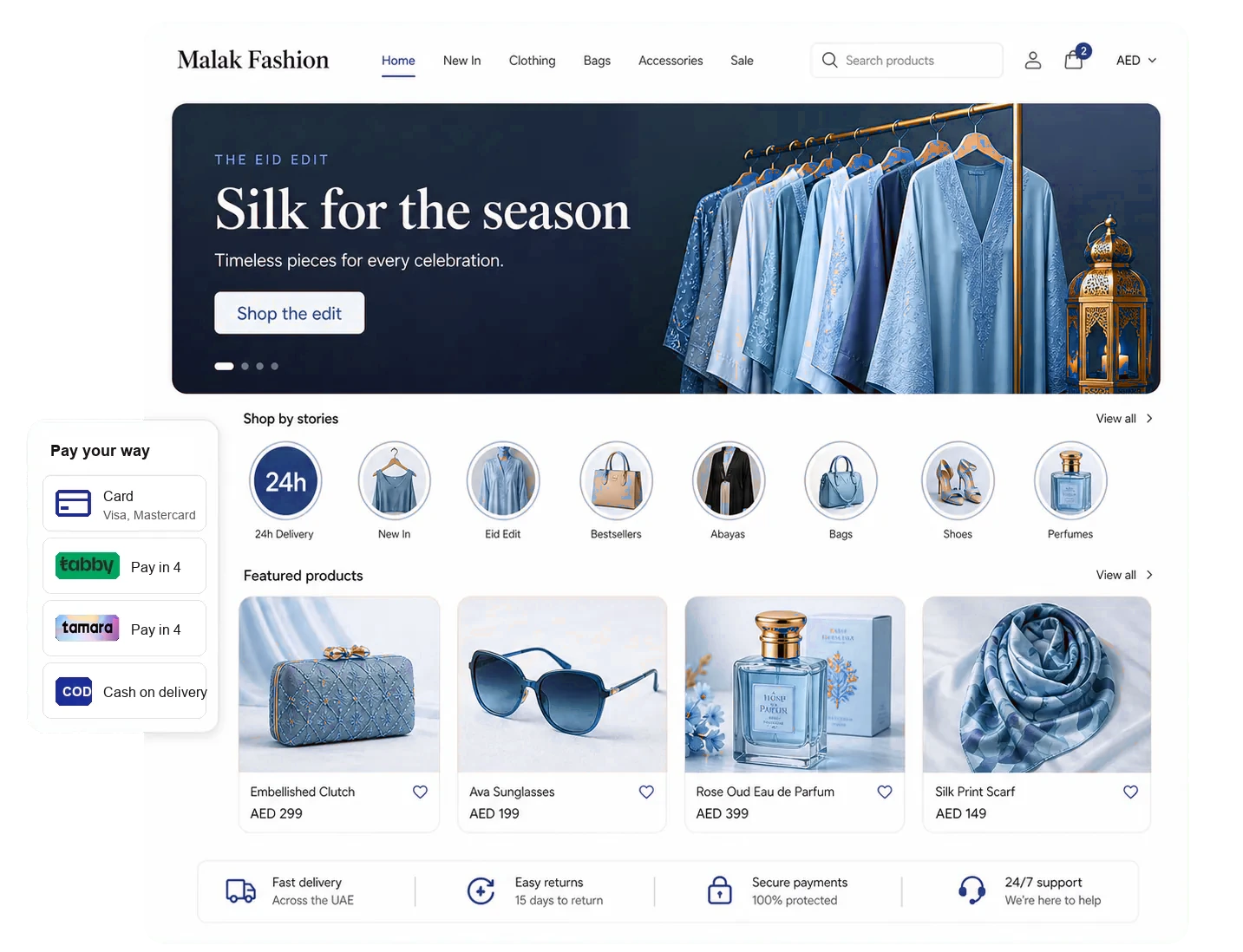
Online storefront with collections, stories, and products

Sell online without adding another system.

Manage products, checkout, shipping, returns, and retail sales from the same administration tools.

  • Regional payments and cash on delivery
  • Brands, variants, collections, and reviews
  • Shipping zones and customer returns

Ready for the GCC from day one.

Operate in the languages, currencies, tax formats, and payment methods your customers already use.

Proper Arabic on every screen.

Arabic and right to left layouts work across ordering, receipts, reporting, and administration.

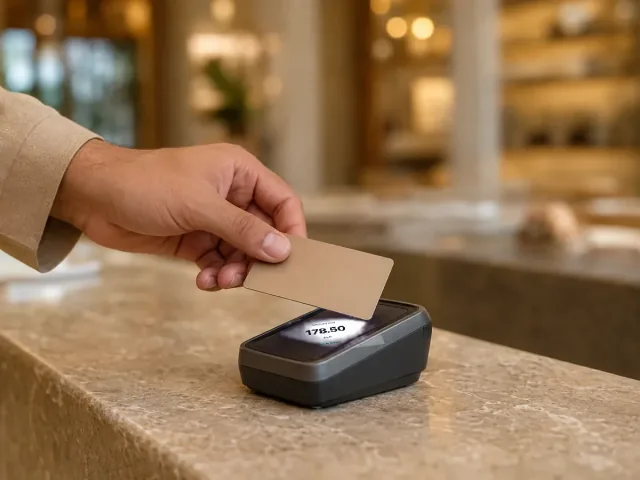
A customer paying by card at the counter

Receipts built for local tax details.

Store business and tax registration details once, then show them on digital and printed receipts.

Languages
Arabic and English, with staff apps also in French and Hindi
Currencies
GCC currencies plus major global currencies
Payments
Cards, cash, instalments, and credit, through most gateways
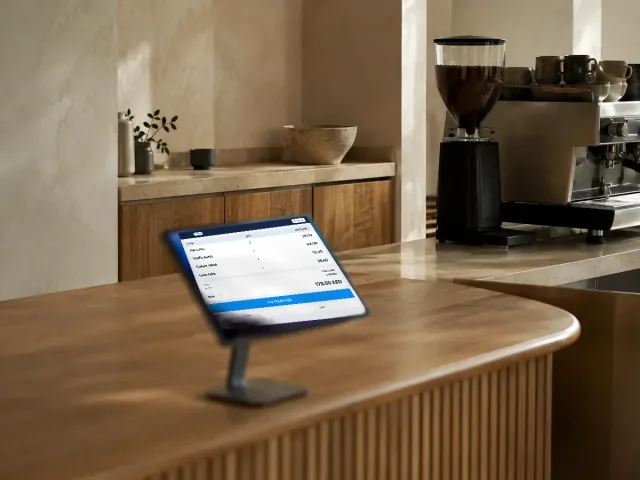
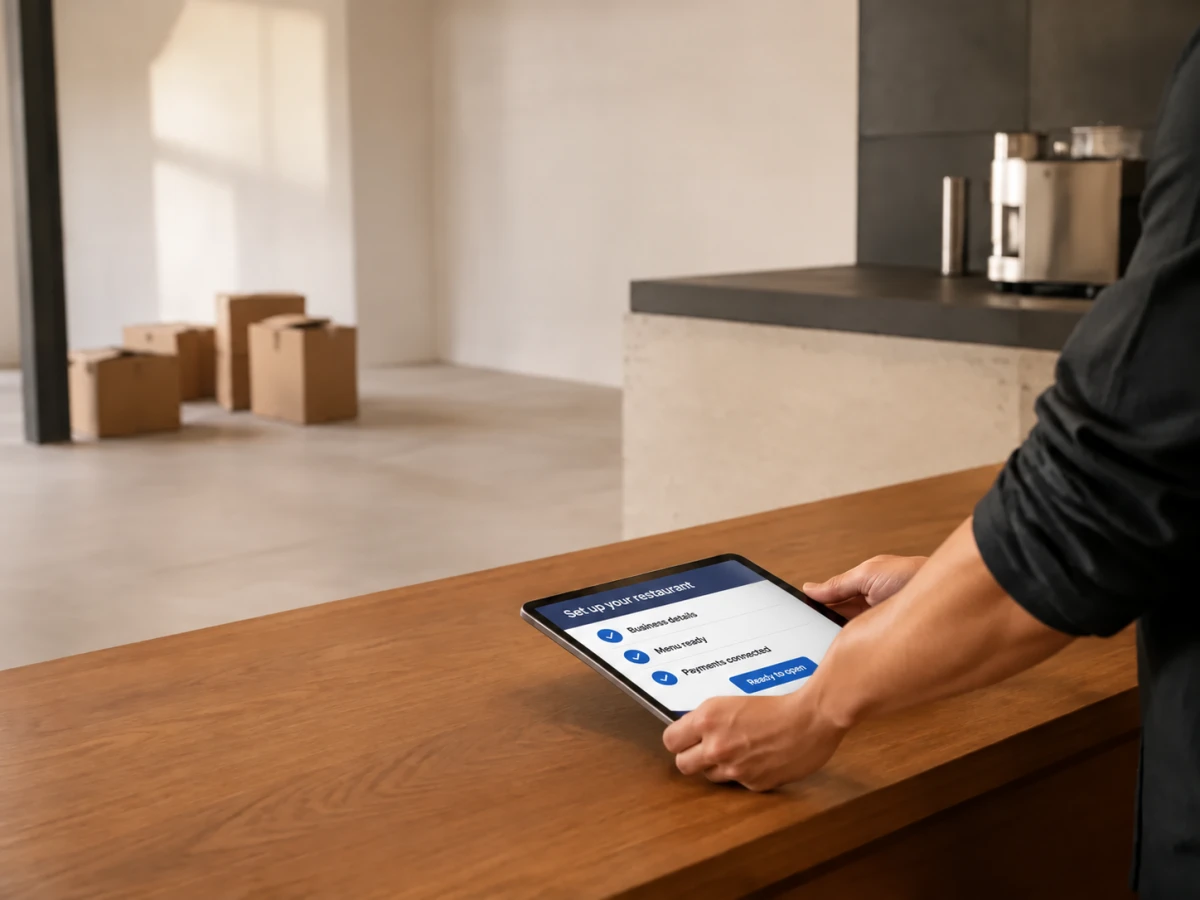
A tablet being placed on the bare counter of a cafe on setup day

Start selling in three clear moves.

No long implementation project. Set up the essentials, test the flow, and open when you are ready.

  1. Create your business

    Choose a restaurant or shop setup and add your business details.

  2. Add what you sell

    Enter products, prices, tax settings, photos, and translations.

  3. Test, then open

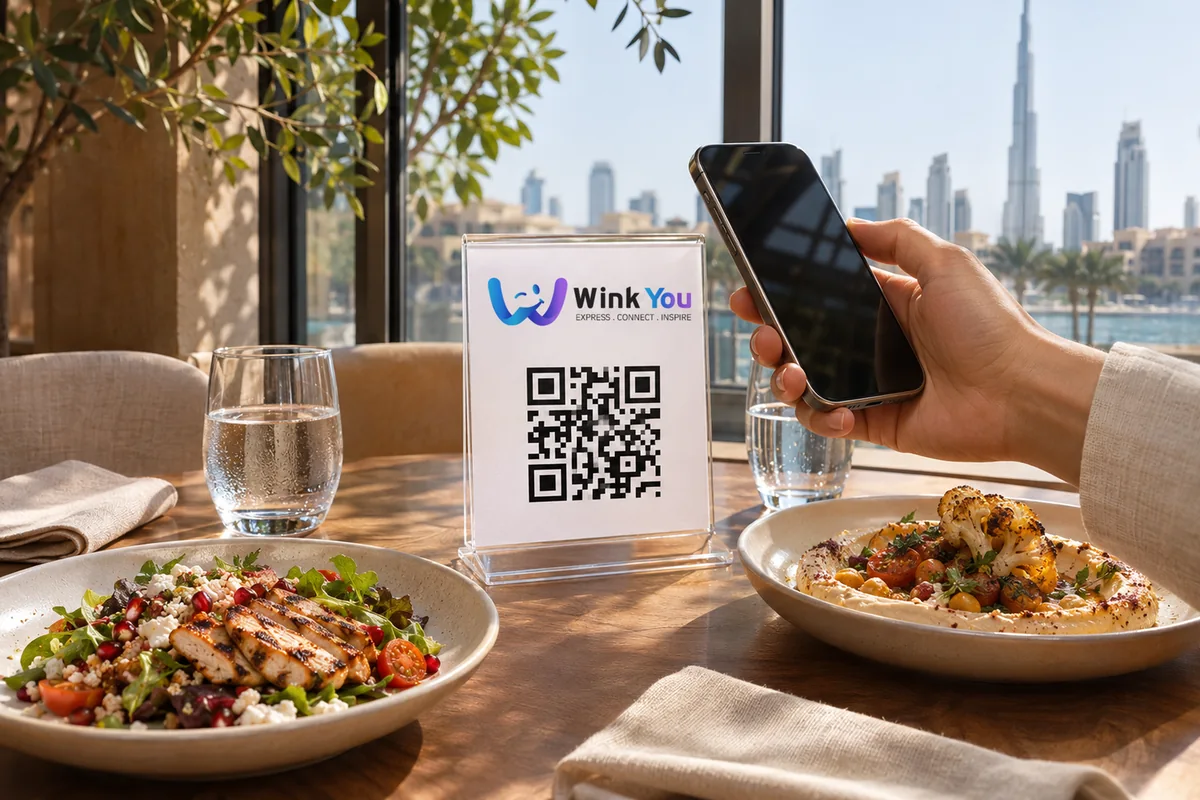
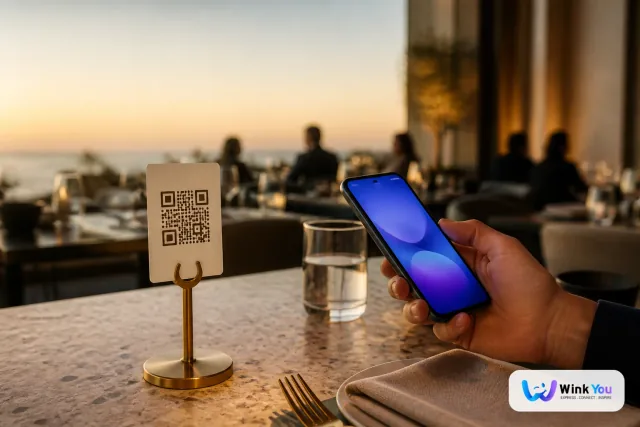
    Place a test order, confirm the workflow, and share your QR or storefront.

A hand turning the sign on a cafe door in the morning

See it running in your own place.

Book a demo and we will walk you through the counter, the kitchen and the reports with your menu.

The Wink You character with a speech bubble

Common questions

Practical answers for owners and operators.

What is Wink You?

Wink You is one platform to run your whole business in the GCC: sales and point of sale, orders, an online store, stock, customers, loyalty, and reports in one system.

Can I use Wink You for a restaurant or an online store?

Yes. Choose the setup that matches your business. Both use the same secure account, administration tools, billing, and support.

Does it support Arabic?

Yes. Menus, receipts, reports, and administration screens work in Arabic with right to left layouts, and in English. The POS and kitchen display staff apps also come in French and Hindi.

Do I need special hardware?

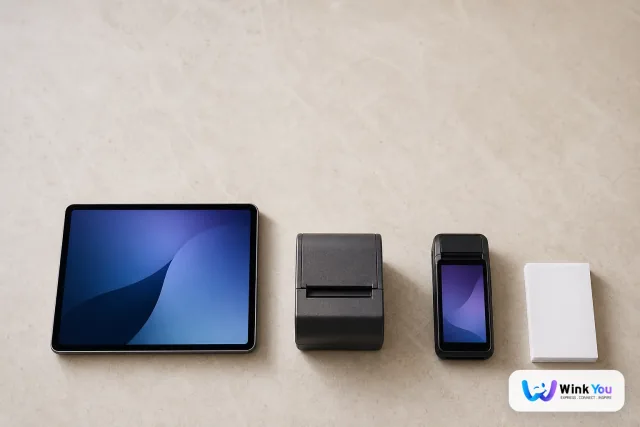
No. Start in a browser or use the apps built for iOS and Android on compatible phones and tablets. Add hardware only when your operation needs it.

How is Wink You priced?

Pricing scales with usage, such as branches, tables, and catalog size. See the pricing page for what each plan includes.

Can my cafe join the app without the full system?

Yes. You can list your cafe on the Wink You app for gifts and orders with no POS needed, and add the rest later if you want it.

Contact

Tell us what you run

Send a message or reach us on WhatsApp. We will show you the right setup for your restaurant or your store.