Run promotions, reward loyalty, and bring shoppers back using the customer records you already have.
Priced by branches and usage. See pricing for what each plan includes.
Wink Grow is everything that turns a first visit into a second one. It holds the price rules that run a promotion, the loyalty programme that earns and redeems, the wallet pass that sits on a customer’s phone and updates itself, and the emails that bring online shoppers back to an abandoned cart or a product that is back in stock. It reads the same customer record as the till and the store, so a regular is a regular everywhere.
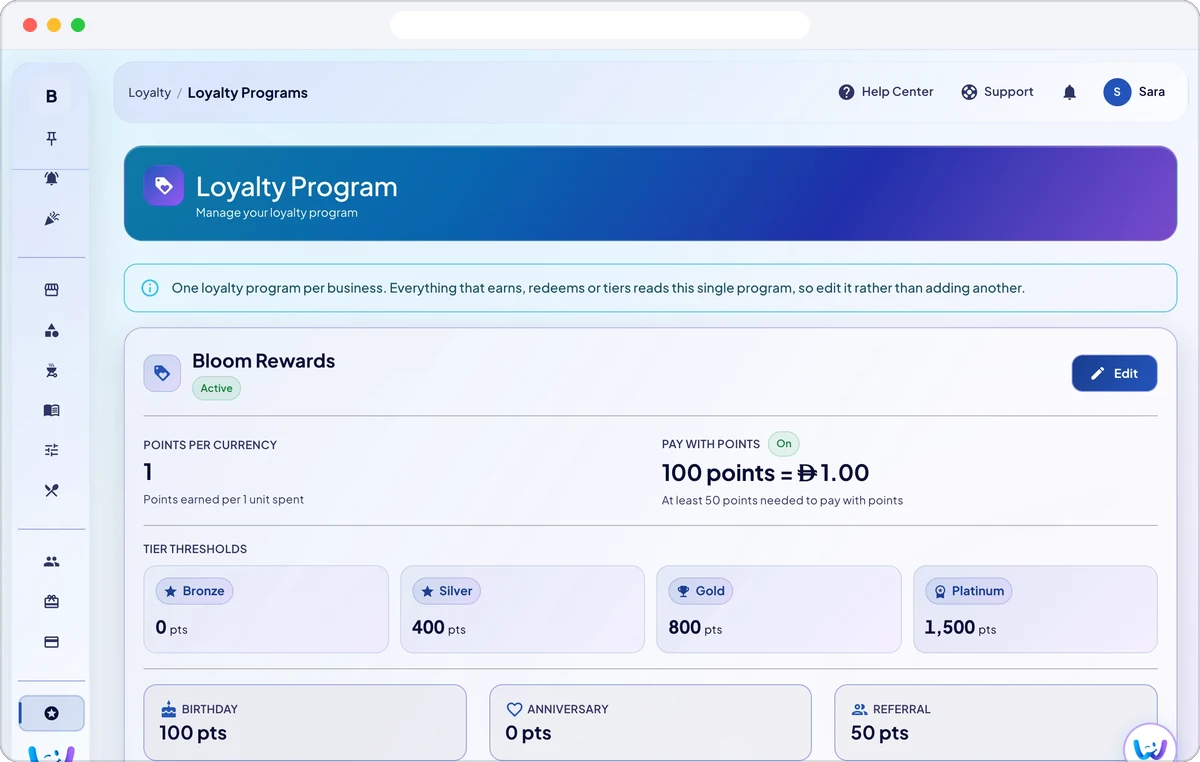
Set how many points a customer earns for each unit of your currency, and they earn on the POS, the QR menu and the online store alike. Four tiers, Bronze, Silver, Gold and Platinum, follow the points earned in the last 12 months. Rewards can be a free item, a fixed amount or a percentage, redeemed at the till or at online checkout, and customers can pay with points.
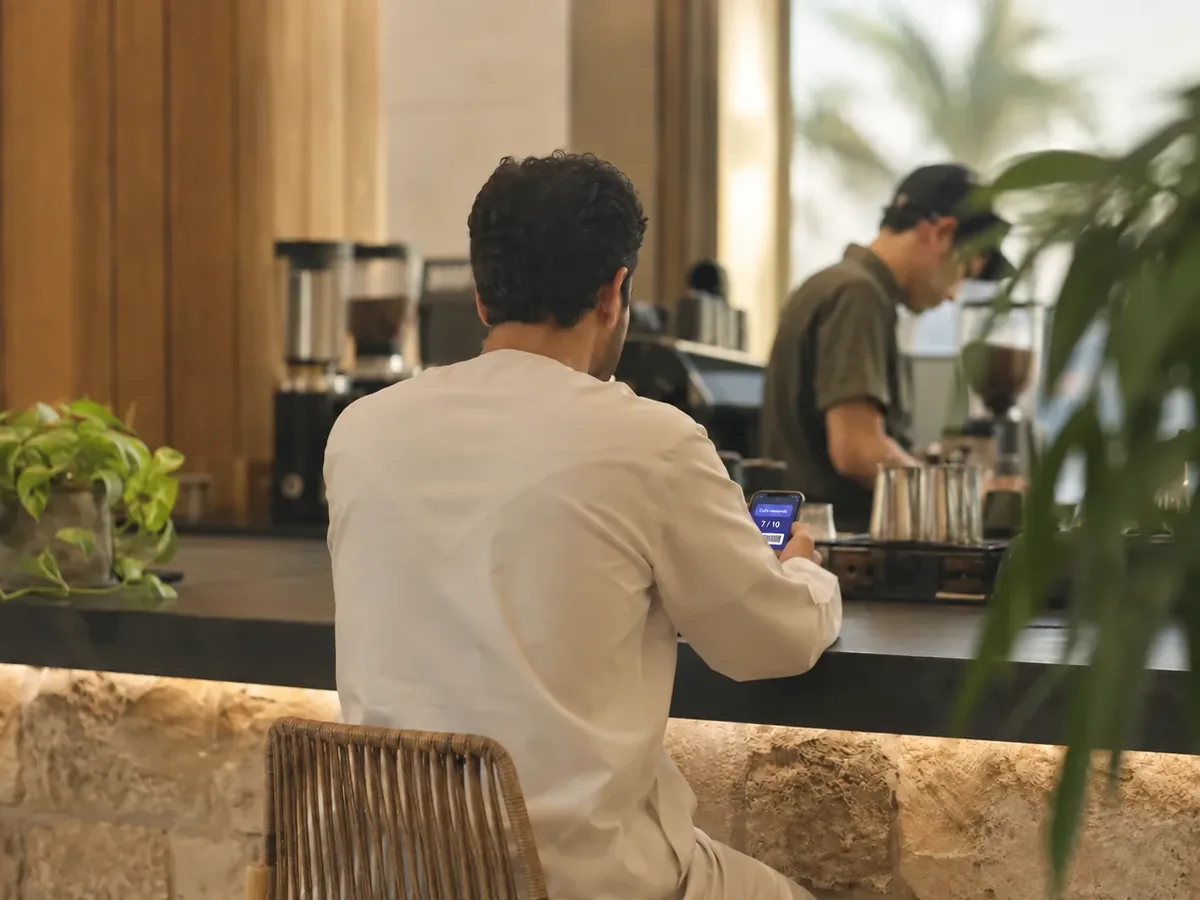
Choose a points card or a digital stamp card: one stamp per qualifying order, 4 to 12 stamps per card, and a full card unlocks a reward such as a free coffee. Customers keep the card in Apple Wallet with your colours, name and logo, and it updates itself when the balance changes.
Enter bonus points for birthdays and anniversaries and they are added automatically, once a year, to every customer whose date matches today in your time zone. A referral bonus can also be set for customers who bring someone in.
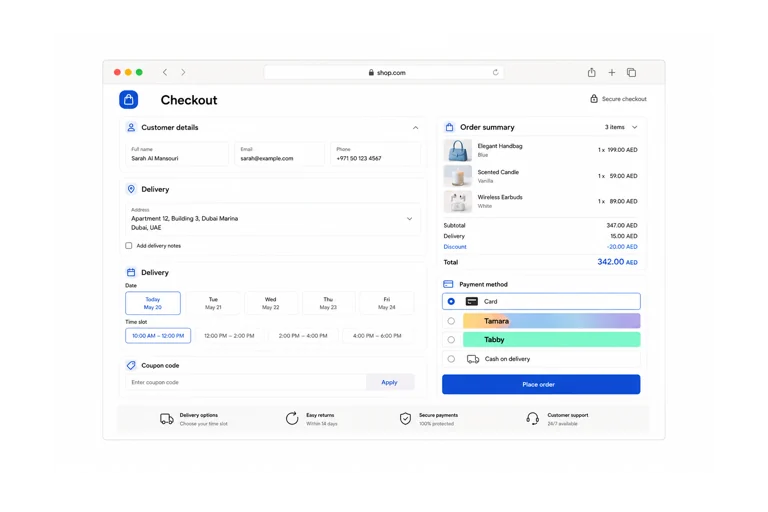
Create percentage, fixed amount, buy one get one and volume discounts, and limit them by customer, loyalty tier, branch, dates, days, hours or number of uses. Promo codes and shop coupons apply at checkout, and a limited time offer lowers prices by itself during the hours and days you set, on the QR menu and the POS.
Take part in the spin wheel that Wink You runs in its customer app, choose which prizes your business gives, such as a free item, percent off or amount off, and set how many can be won from you each week. Prizes are personal to the winner, and the customer simply pays less at checkout.
No. Points are attached to the customer record at the till or at checkout. The Apple Wallet pass is offered on top for customers who want the card on their phone, and it refreshes itself when the balance changes.
Every new business already has a loyalty program, so open Loyalty, then Programs, and edit it: set the points earned per unit of currency, the tier thresholds and any bonus points, then add rewards customers can redeem. Points then build up on every order linked to a customer.
Points reward how much a customer spends, while a stamp card gives one stamp per qualifying order however much was spent, which suits a cafe selling coffee after coffee. You choose the card type customers get, and stamps are kept separate from points.
Open Loyalty, then Apple Wallet, pick a points card or a stamp card, choose the colours and check the live preview, then save. Your business name and logo come from your settings, and cards customers already hold update after you save.
No. Points have no expiry date and there is no setting to add one, so a customer keeps them until they spend them. Tiers are different: they follow the points earned in the last 12 months, so a customer who stops earning can move down a tier.
Yes, as bonus points. Set the birthday and anniversary points in the loyalty program and save the customer’s date on their profile. The points are added automatically once a year and show in their history as a birthday or anniversary bonus.
Open Limited Time Offers, choose the branch, a percentage or a fixed amount off, the start and end time and the active days, and optionally the products or categories it covers. The lower price shows by itself on the QR menu and the POS during that window.
Yes. Pick the customers who can use it, set a minimum loyalty tier, cap the total uses and the uses per customer, and limit it to dates, days or hours. Leave the customer list empty for everyone.
Yes, for the online store: abandoned cart recovery emails with a link back to the saved cart, back in stock emails for shoppers who asked, and review request emails after delivery. Shoppers who unsubscribed from marketing emails are skipped.
Send a message or reach us on WhatsApp. We will show you the right setup for your restaurant or your store.