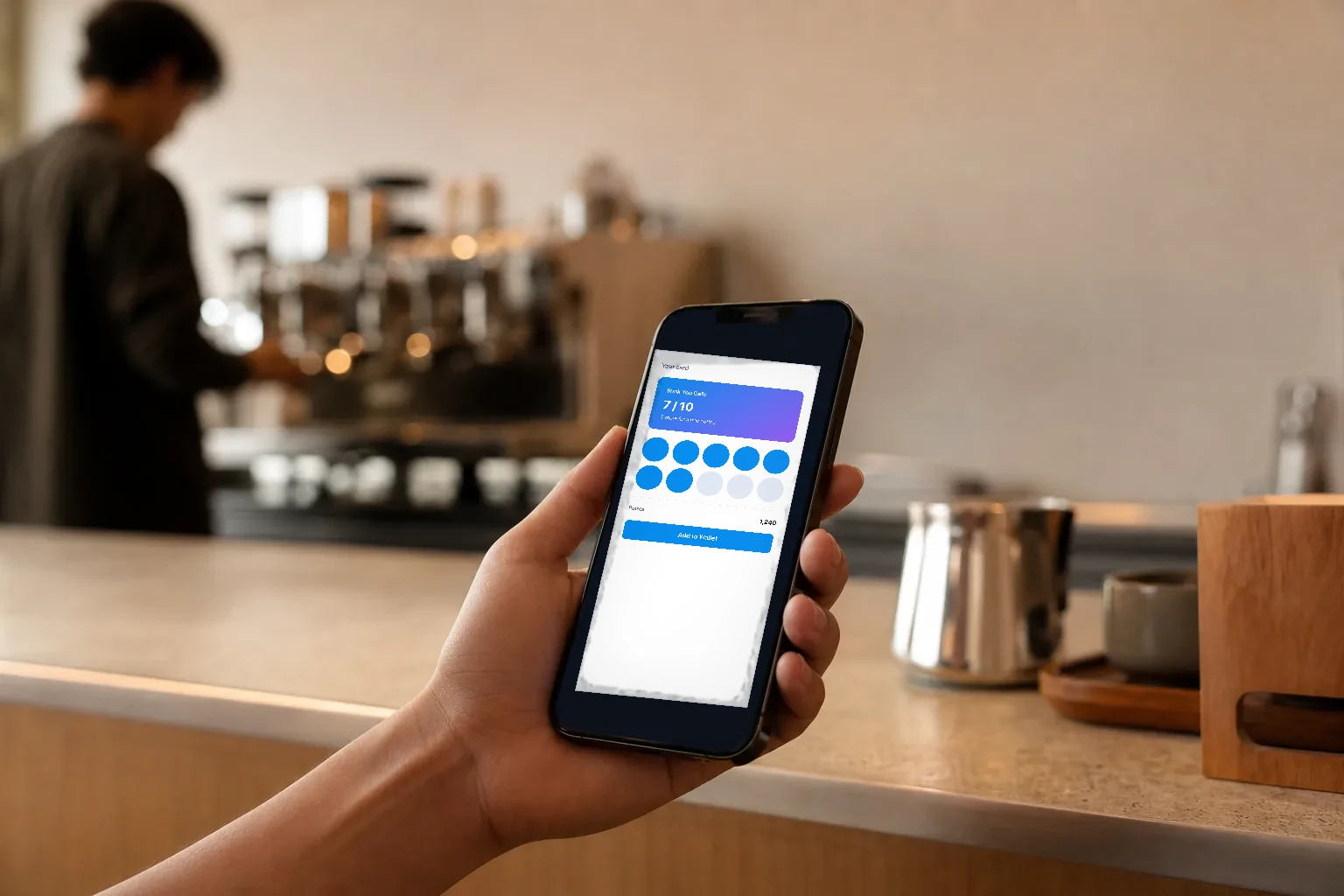
Why a Wallet card beats an app
Most guests will not download an app for one cafe, and plastic or paper loyalty cards end up lost. A card in Apple Wallet sits next to the guest’s bank cards and boarding passes, needs no download, and is always on the phone they already carry. iPhones are common across the Gulf, which makes Apple Wallet one of the easiest ways to keep your brand in a guest’s pocket between visits.
What the Wink You Wallet card does
- Shows your business name and logo, taken from your business settings.
- Is either a Points card, which shows the points balance and tier, or a Stamp card, which shows stamps toward a reward.
- Uses your colours, picked from the same palettes as your QR menu or typed as hex codes.
- Updates on the phone after a visit earns or spends points, and when you change the card design, existing cards update too.
- Works with the shared Wink You certificate, so there is no Apple developer setup on your side.
Design your card step by step
- Open Loyalty in the sidebar, then Apple Wallet.
- Under Card type customers get, pick Points card or Stamp card.
- Under Card Colors, pick a theme, or type your own Background Color, Text Color and Label Color.
- Check the Live Preview on the right. Use Demo tier (Bronze, Silver, Gold, Platinum) to see each tier’s card.
- Leave Apple Wallet Certificate empty to use the shared Wink You certificate.
- Click Save in the bar at the bottom. Download .pkpass gives you a sample card to test on an iPhone.
If you have your own Apple developer certificate and want the pass issued under it, fill in Pass Type Identifier, Team Identifier, SSL Certificate and, if it has one, the Certificate Password under Apple Wallet Certificate. Most businesses never need this. Changing the card needs the Create campaigns and loyalty programs permission; anyone else can view the design but not save it.
How guests get the card
Guests add the card after joining your loyalty program on the QR Digital Menu. They tap Join Loyalty Program on the welcome page, enter their phone number, get a code by text or WhatsApp, verify it and type their name. The final screen offers Add to Apple Wallet. From then on, every order where the cashier attaches the customer earns points or a stamp, and the card on their phone follows.
Points card or stamp card?
A Points card suits restaurants where the bill varies a lot, because points follow what is spent. You set the points per unit of your currency on the loyalty program, guests move up from Bronze to Silver, Gold and Platinum as they collect, and the card shows the balance and the tier. A Stamp card suits cafes, juice bars and bakeries where the visit matters more than the amount: one stamp per qualifying order, and a full card unlocks a reward you choose. You can switch the type later on the same page.
Getting more guests to add the card
- Keep Loyalty program switched on under Customer Features in QR Digital Menu Settings, so Join Loyalty Program shows on the welcome page.
- Ask at the till. A cashier who says scan the code on the table and add the card to your Wallet signs up far more guests than a poster does.
- Match the card to your brand. Pick the same palette as your QR menu so the card is recognisable in a stack of passes.
- Test it yourself first with Download .pkpass on an iPhone before you announce it.
The card is the guest’s view of their balance. At the till, staff find the guest by mobile number, so a guest who left their phone in the car still earns and redeems. When a reward is redeemed, the points come off and the Wallet pass refreshes with the new balance.
What about Google Wallet and Android?
Google Wallet is not available yet. The signup screen shows an Add to Google Wallet button, but it is switched off and cannot be tapped. Android customers still join your loyalty program the same way, earn the same points and stamps, and can see their points after joining; they simply do not get a Wallet card on their phone for now.
Frequently asked questions
How do I create an Apple Wallet loyalty card for my cafe?
Open Loyalty, then Apple Wallet, choose the card type and colours, check the preview and save. No Apple developer account is needed.
Does the card update by itself?
Yes. The balance on the pass follows the customer’s points, and a design change updates cards already issued.
Do I need my own Apple certificate?
No. Leave the certificate fields empty and the shared Wink You certificate is used.
Can Android users add the card to Google Wallet?
Not yet. The Google Wallet button is disabled for now.
How do customers join so they can add the card?
They tap Join Loyalty Program on your QR Digital Menu, verify their phone with a code sent by text or WhatsApp, type their name, and then tap Add to Apple Wallet. Customers added by staff on the POS or in Business Admin earn points too, and can join from the menu later to get the card.
What happens to the pass if a customer asks to erase their data?
Erasing a customer’s personal data in Business Admin also voids their Wallet pass.
Wallet cards are part of winkyou.com/products/marketing-loyalty. Watch winkyou.com/support/customers-and-loyalty/how-to-design-your-apple-wallet-loyalty-card and winkyou.com/support/qr-digital-menu/how-customers-join-your-loyalty-program.