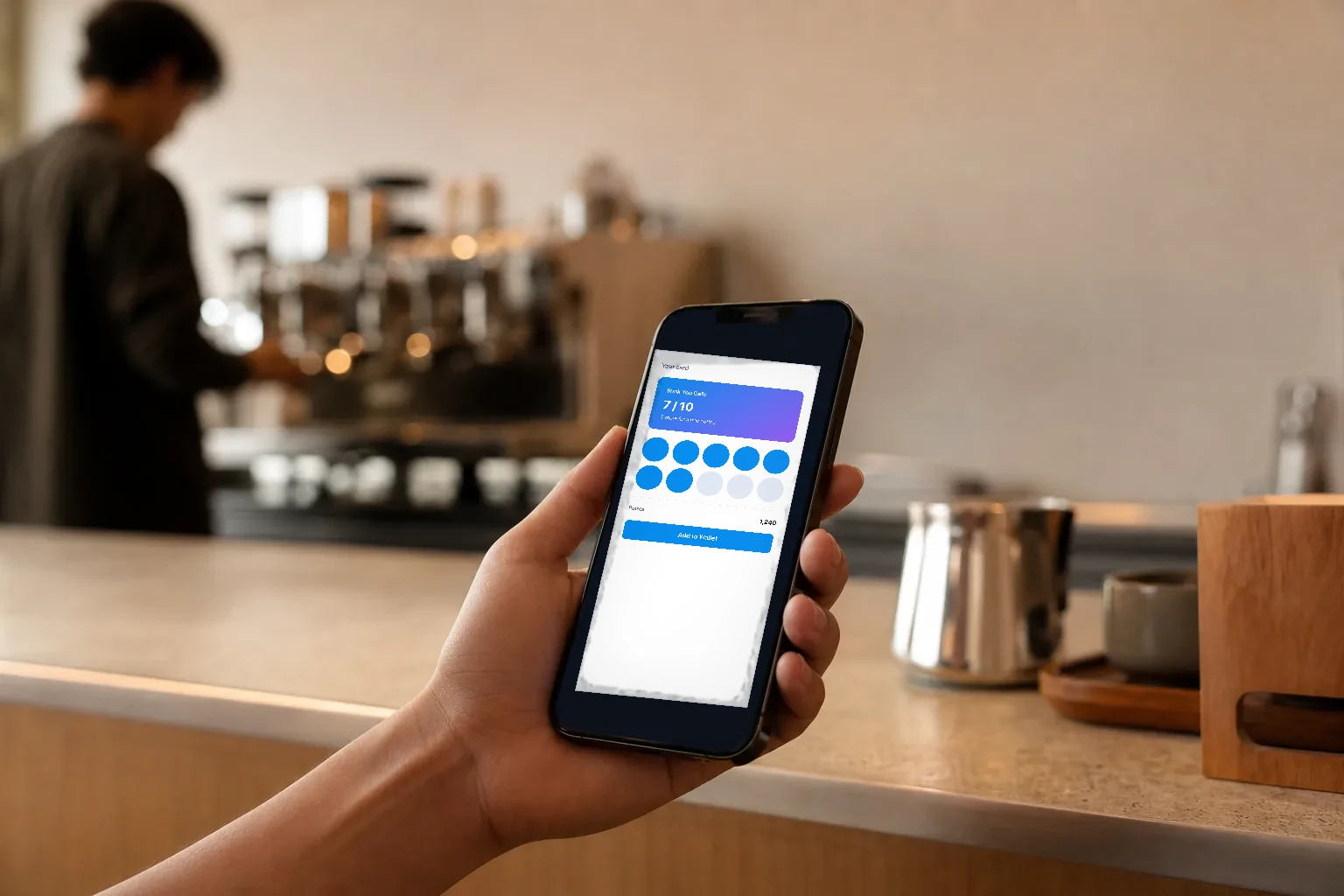
Why cafes love stamp cards, and why paper ones fail
Buy nine coffees and get the tenth free is the simplest loyalty offer there is. Guests understand it without reading anything, and it rewards the one thing a cafe really wants: coming back. The paper version has problems everyone knows. Cards get lost or left in the car, stamps get faked, staff stamp twice for a friend, and the owner has no idea how many free coffees are out there. A digital stamp card keeps the same simple promise and fixes the rest.
How stamp cards work in Wink You
A stamp card gives one stamp per qualifying order, however much was spent, and a full card unlocks a reward you choose. Quantity inside one order is not counted on purpose: if one big order could fill a card, the card would stop rewarding repeat visits. Stamps are separate from points, and the customer sees them on your Apple Wallet card. If an order behind a stamp is undone, its stamp is taken back.
Set it up step by step
- First create the reward the full card unlocks, for example Free Coffee, under Loyalty, then Rewards.
- Open Loyalty, then Apple Wallet.
- Under Card type customers get, choose Stamp card.
- In Reward a full card unlocks, pick the reward.
- In What earns a stamp, choose Any completed order, Order containing a specific product, or Order containing a product from a category, and pick the products or categories for the last two.
- Set Stamps per card (4 to 12) and choose a Stamp icon.
- When the summary says Looks good, click Save in the bar at the bottom.
Choosing what earns a stamp
Any completed order is the simplest and suits a small cafe where almost every order includes a drink. Order containing a specific product suits a single hero product, such as a signature latte. Order containing a product from a category suits a whole family of items, such as all hot drinks. Two details matter. Combos earn no stamp from their items: a breakfast combo with an espresso inside does not stamp an espresso card, only an espresso sold on its own does. And custom items added on the POS never earn a product or category stamp. On Any completed order, though, an order with only custom items or only combos still earns its one stamp.
How customers collect and redeem
Customers join from your QR Digital Menu with Join Loyalty Program: they enter their phone number, get a code by text or WhatsApp, verify it and type their name, then add the card to Apple Wallet. At the till, the cashier picks or adds the customer on the order, and the stamp lands when the order completes. The customer profile shows Stamps under Metrics. When the card is full, the reward is redeemed with Redeem reward on the customer profile or on the POS, and it uses the stamps, not points.
How many stamps, and which reward
A card can hold from 4 to 12 stamps. Ten is the classic for coffee, because guests already know buy nine, get the tenth free. A shorter card of 5 or 6 suits higher priced visits such as a brunch or a dessert shop, where nobody comes back ten times a month. Think of the reward as a cost per visit: a free coffee after nine paid ones is roughly a tenth off every coffee for your most loyal guests, which is usually far cheaper than discounting everyone. Pick a reward the guest can see and taste, such as a free drink or a pastry, rather than a small amount off.
A worked example
A specialty coffee shop creates a Free Coffee reward, chooses Stamp card, sets What earns a stamp to Order containing a product from a category with the Hot drinks category, and sets 10 stamps with a coffee cup icon. A regular who buys a flat white on her way to work every morning collects one stamp a day, sees the cups fill on her Wallet card, and on the tenth visit the cashier redeems her free coffee on the POS. A colleague who orders five lattes for the office in one order still earns one stamp, because the card rewards visits, not volume.
What to watch for
- The stamp card will not save without an active reward, and without at least one product or category when you choose those modes.
- If you deactivate the stamp reward, stamp collecting pauses until you pick another one.
- Saving the stamp card needs Create campaigns and loyalty programs, which is the Business Admin by default.
- Loyalty is not part of every plan.
Frequently asked questions
How do I make a buy 9 get 1 free coffee card?
Create a Free Coffee reward, then on Loyalty, Apple Wallet choose Stamp card, pick that reward, choose what earns a stamp and set the card to the number of stamps you want.
Does a big order give more stamps?
No. One stamp per qualifying order, whatever the amount or quantity.
Can I run points and stamps together?
Stamps are counted separately from points. The Wallet card shows one type, the one you pick under Card type customers get.
Do custom items or combos earn stamps?
Not on a product or category card. On Any completed order, the order still earns its one stamp.
Stamp cards are part of winkyou.com/products/marketing-loyalty. Watch winkyou.com/support/customers-and-loyalty/how-to-design-your-apple-wallet-loyalty-card and winkyou.com/support/pos/how-to-redeem-a-loyalty-reward-on-the-pos for the card and the redemption.