What Is a Kitchen Display System?
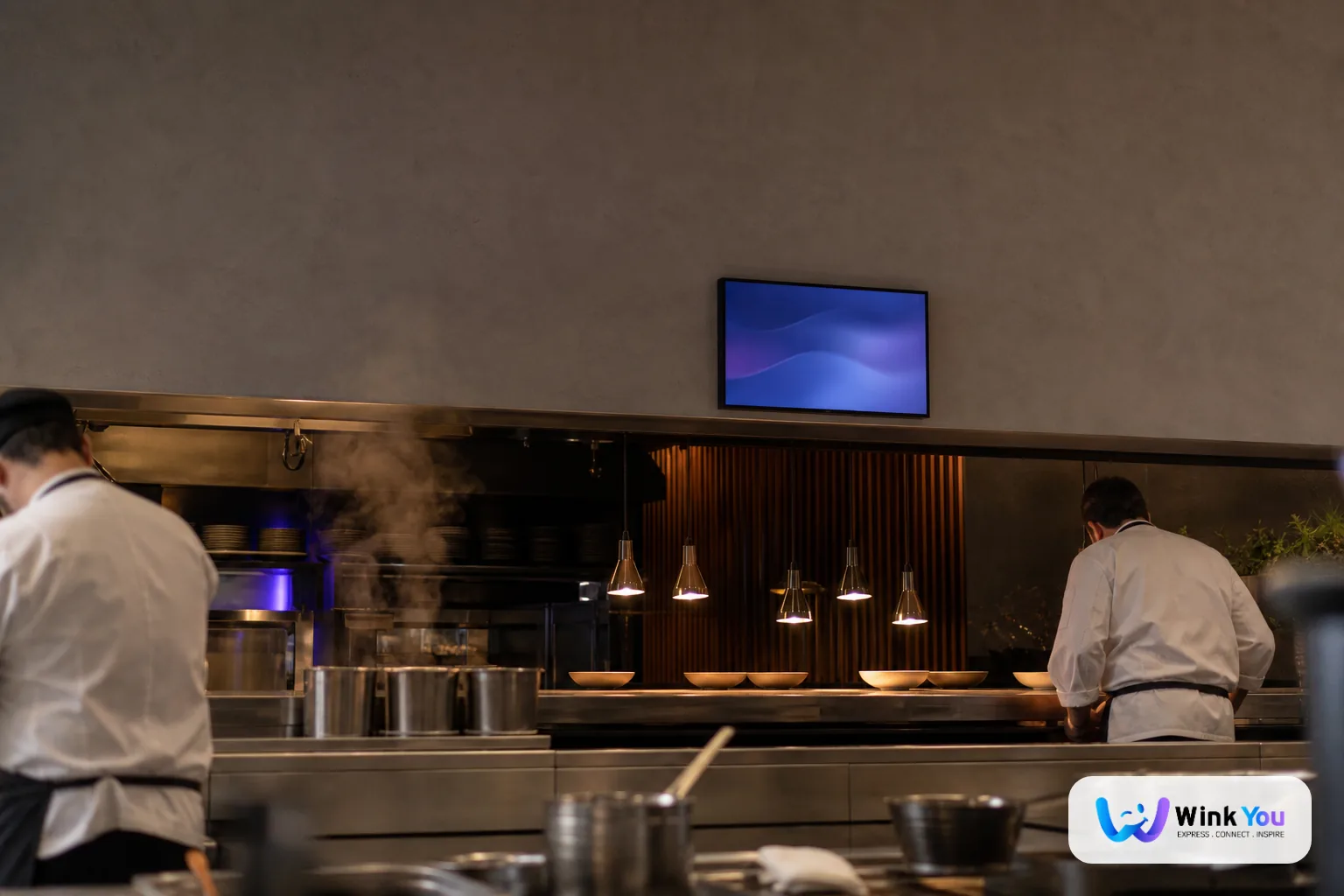
A Kitchen Display System (KDS) is a screen, usually a commercial tablet or monitor, mounted in your kitchen. It replaces paper tickets by showing incoming orders in real time, letting kitchen staff confirm preparation and track order status without touching paper.
The Problem With Paper Tickets
Paper tickets get lost. They get wet. A busy kitchen during Friday evening service can have 30+ tickets flying around with no way to prioritize, no timestamps, and no way for the front of house to know what's ready. The result: delayed orders, cold food, and frustrated customers.
How a KDS Works With Wink You
Order Flow
When a customer places an order via the QR menu or your staff enters it on the POS, the order appears on the KDS almost instantly. Each item shows the table number, item name, modifiers ("no onions, extra sauce"), and a running timer.
Filtering by Counter
Wink You lets you filter each kitchen screen by the POS counter an order came from. If drinks are sold at their own counter, the drinks screen can show only those orders, while the main kitchen screen shows the rest. Each screen shows only what is relevant, reducing confusion and noise in the kitchen.
Status Tracking
Kitchen staff tap items as they complete them. When all items on an order are marked ready, the front-of-house app and POS show that the order is done. Waiters know immediately when to bring food to the table.
The Business Impact
Fewer Order Errors
A kitchen display can reduce order errors compared to paper tickets, because nothing is handwritten, misread or lost. In a GCC context where large menus and complex modifier groups are common, this is especially valuable.
Faster Preparation Times
With clear priorities and timestamps, kitchen staff can work faster and more systematically, and shorter waits show up directly in customer satisfaction.
Less Chaos During Peak Hours
The biggest pressure in any restaurant happens during Friday and Saturday nights in the GCC. A KDS keeps the kitchen organized even when dozens of orders are open at once, ensuring nothing falls through the cracks.
What to Look For in a KDS for GCC Restaurants
- Arabic support: display item names and notes in Arabic for non-English kitchen staff
- Offline capability: must continue working on local network if the internet drops
- Screen filtering: show each kitchen screen only the orders it needs, for example by counter
- Timer alerts: visual or audio alerts when orders exceed your target prep time
- Rugged hardware compatibility: works on commercial tablets with protective kitchen mounts
Getting Started With KDS on Wink You
Wink You includes KDS in its platform plans, starting with Starter. Open the KDS app on any tablet or browser in your kitchen, connect it to your restaurant account, and orders start flowing immediately. No extra hardware required: any tablet you already own works.