A cloud kitchen has no dining room, no walk-in guests and no table to win back a bad first impression. Every order arrives through a screen and leaves in a bag, and the customer judges you on three things: whether the order was right, whether it arrived hot, and whether it came on time. In a city as delivery minded as Dubai, that is a real business, but it is a business of systems more than of decor.
This guide walks through the setup that matters most: how orders come in, how the kitchen line works, how food is packed and handed over, and how you keep food cost and stock under control.
Before the systems: location, licence and layout
Pick the location for delivery radius and rider access, not for footfall. Riders need somewhere to stop and a clear pickup point, and your delivery times depend on how far the kitchen is from the areas you want to serve. Before you sign a lease, confirm the licensing and food safety approvals for that exact unit with the relevant Dubai authorities, including Dubai Municipality, and ask about kitchen layout approval before you start the fit out. Requirements change, so check them directly rather than relying on someone else's old checklist.
Order intake: one queue, not five tablets
Most cloud kitchens sell through several delivery apps plus their own channels. The classic mess is a row of tablets on the counter, each beeping with its own orders, and staff retyping them for the kitchen. Every retyped order is a chance for a mistake. Your goal is a single queue that the kitchen works from, whatever the channel.
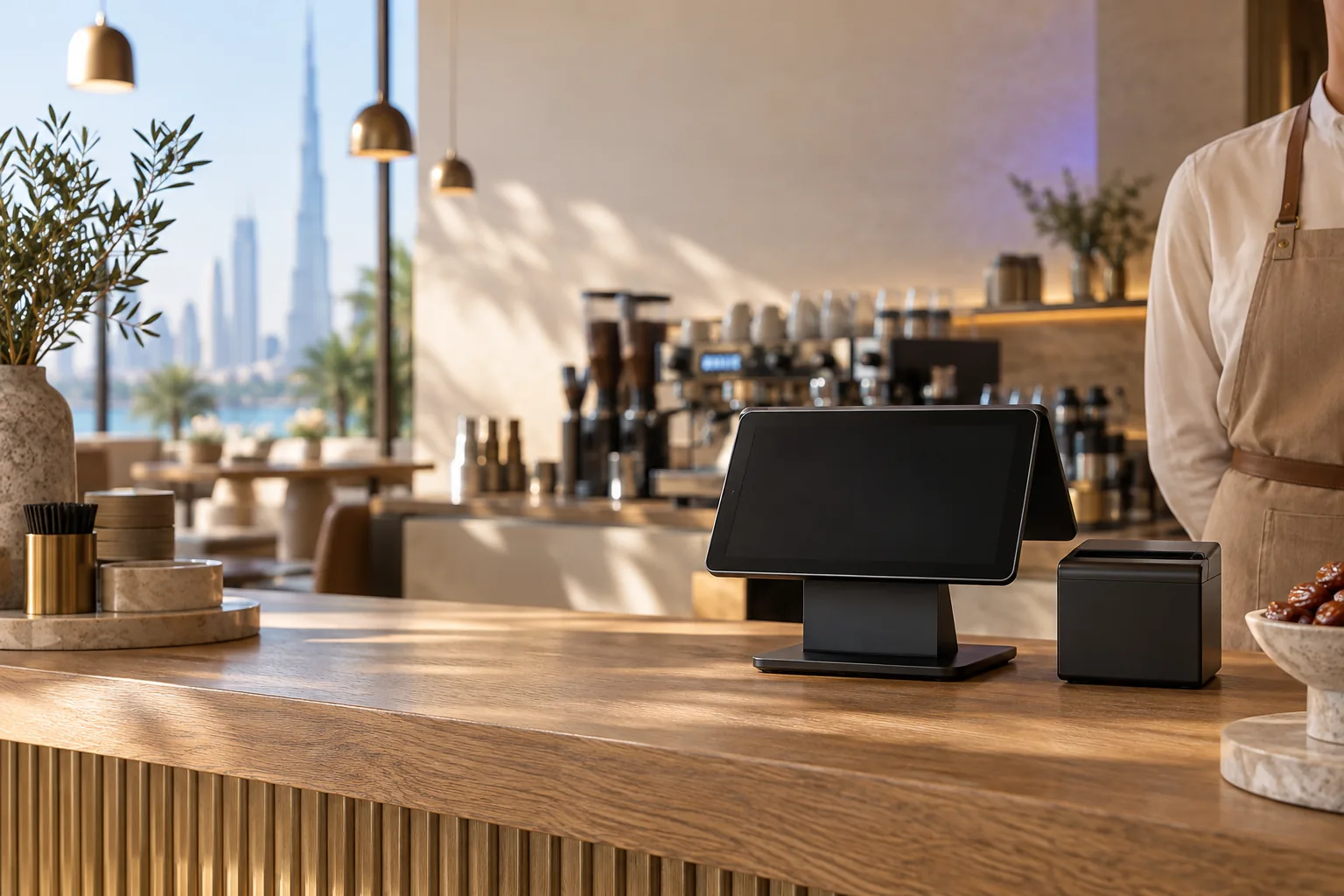
There are two ways to get there. Some POS systems connect directly to specific delivery apps. Others, including Wink You, let the cashier enter each delivery app order once in the POS and tag it with the app it came from. With either approach, the order reaches the kitchen display straight away, and your sales reports show each channel separately so you can see where your money really comes from.
Build your own direct channel
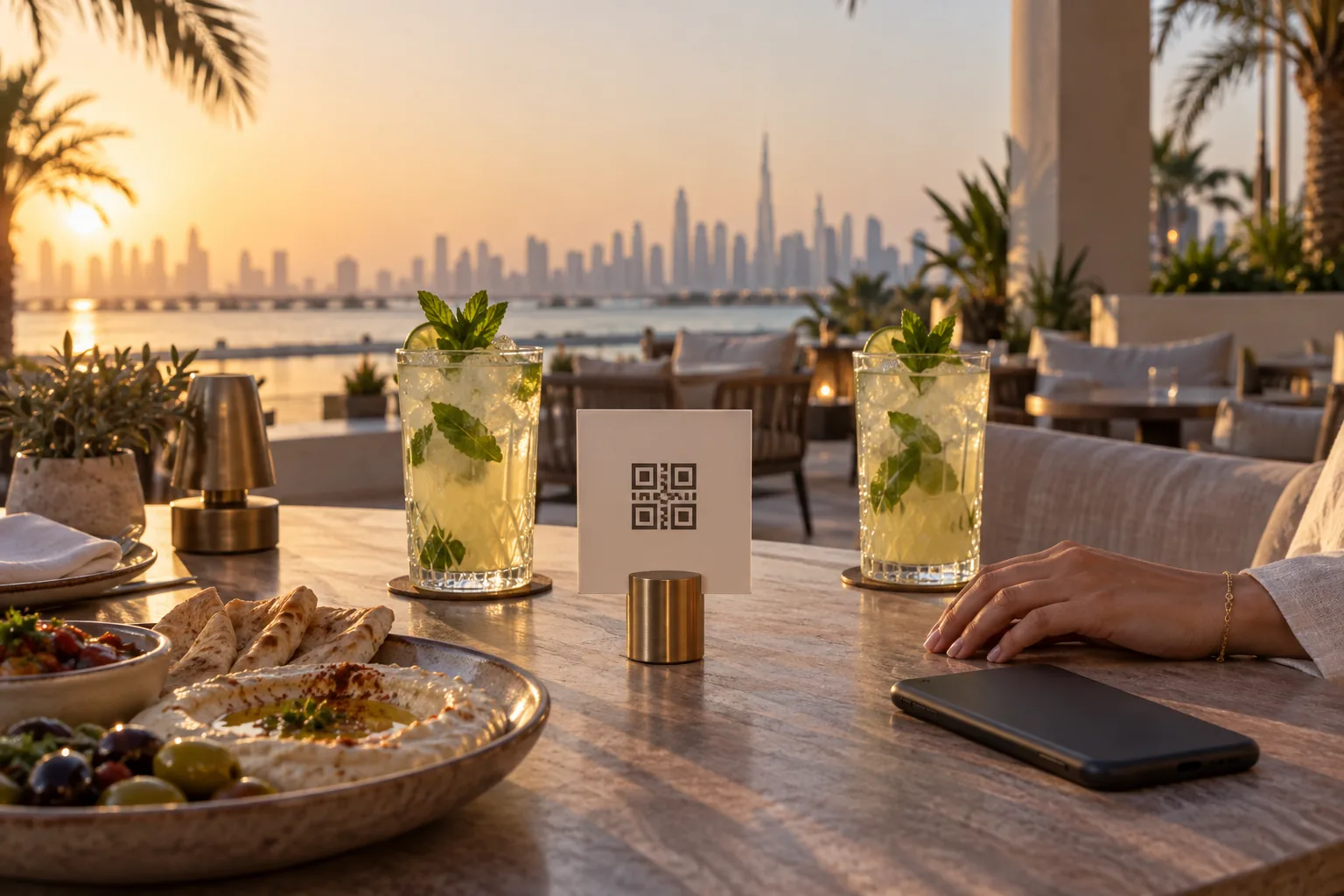
Delivery apps bring customers, but they also charge commission on every order. Check the commission rate in each contract and work out your margin per dish after it. A direct channel, such as your own online ordering page, lets repeat customers order from you directly. Many cloud kitchens put a small card in every bag that points to their own ordering page.
The kitchen line: screens instead of paper
Paper tickets get lost, stained and misread, and they cannot tell you how long an order has been waiting. A kitchen display shows every order in sequence, with modifiers clearly marked and a timer on each one, so the team can see at a glance what is running late. When an order is ready, it is bumped off the screen, and the packing station knows it is time to close the bag.
- Keep modifiers short and consistent, so the line reads them in a second.
- Agree on a target time per dish and watch the timers during the rush.
- Keep one kitchen printer for bag labels or order slips if your packers prefer paper.
- Review late orders at the end of each week and fix the cause, not the symptom.
Packing and handover
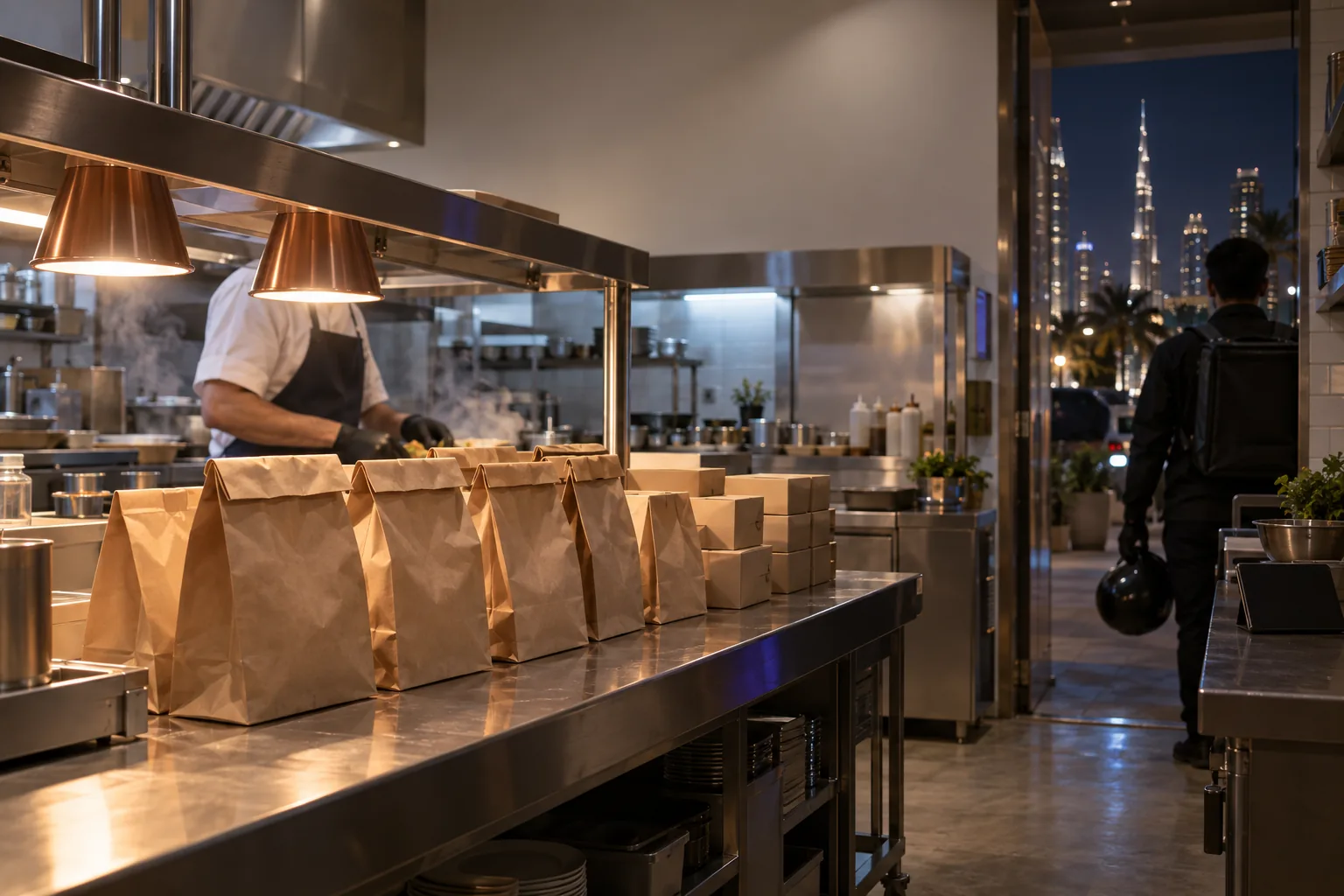
Most complaints in delivery are about missing items, so the packing station deserves its own routine. Check each bag against the order before sealing it, keep sauces and drinks in a fixed place on the pass, and seal bags so a rider cannot open them by accident. Hand over by order number, never by guessing which bag is which.
Running your own drivers
If you deliver some orders with your own riders, you need a way to assign each run, follow it, and confirm the handover. A dispatch board that shows every order waiting to leave and every driver on shift, plus a driver app that shows each rider only their own deliveries, replaces the phone calls and the group chat.
Food cost and stock
With commission on many orders, a cloud kitchen has less room for waste than a dine in restaurant. Set up a recipe for every dish so stock is deducted as you sell, record waste honestly, and set reorder levels for the ingredients that would stop your best sellers. Then compare what you used in theory with what you actually counted. The gap is where your margin disappears.
The numbers to watch every week
A cloud kitchen can look busy and still lose money. Set aside an hour every week, with the same report each time, and look at:
- Sales and order count by channel, after commission.
- Preparation time, and how many orders ran late.
- Food cost per dish: recipe cost against selling price.
- Waste by ingredient, and the gap between expected and counted stock.
- Complaints and refunds, grouped by cause: missing item, cold food or late delivery.
- Best and worst sellers, so the menu stays short and profitable.
If one channel brings plenty of orders but little margin after commission, that is a pricing decision, not a kitchen problem. Adjust prices or portion sizes on that channel, or push repeat customers toward your direct channel.
Setup checklist
- Location chosen for delivery radius and rider access.
- Licensing and food safety approvals confirmed for the exact unit before signing.
- One order queue for all channels, with every order tagged by its source.
- Kitchen display with timers, and a clear packing station.
- Recipes entered for every dish, with reorder levels on key ingredients.
- Weekly review of late orders, complaints, waste and margin by channel.
- A direct ordering channel for repeat customers.
How Wink You fits a cloud kitchen
Wink You runs the whole flow from one account. The POS takes orders, including delivery app orders entered and tagged by your team, and keeps working if the internet drops. The kitchen display shows every order with timers. Your own online store takes direct orders, and the dispatch board with its driver app runs your own deliveries. Inventory covers recipes, transfers, waste, purchase orders and reorder alerts, and it all feeds the same accounting. We do not connect directly to delivery apps today, so their orders are entered in the POS. Book a demo to walk through it with your menu.
Useful pages
- Kitchen display: winkyou.com/products/kitchen-display
- Inventory: winkyou.com/products/inventory
- Online store: winkyou.com/products/online-store
- Restaurant software in Dubai: winkyou.com/dubai
- Book a demo: winkyou.com/demo
Frequently asked questions
Does a cloud kitchen need a POS?
Yes. Even without a counter, you need one place where every order lands, is sent to the kitchen, and is recorded for VAT and reporting. In a cloud kitchen the POS is the order hub rather than a till.
How many delivery apps should I start with?
Start with the channels your target customers in Dubai actually use, and add more once the kitchen runs smoothly. Every new channel adds a menu to maintain, prices to keep in sync, and another stream of orders during the rush.
Can one kitchen run more than one brand?
Many do. Before you start, check that your licence covers it and that your system can keep each brand's menu, sales and food cost separate, otherwise you will not know which brand is actually making money.