Sell, serve, and grow.
Manage sales, orders, inventory, customers, and every branch, online and in-store, from one connected platform.

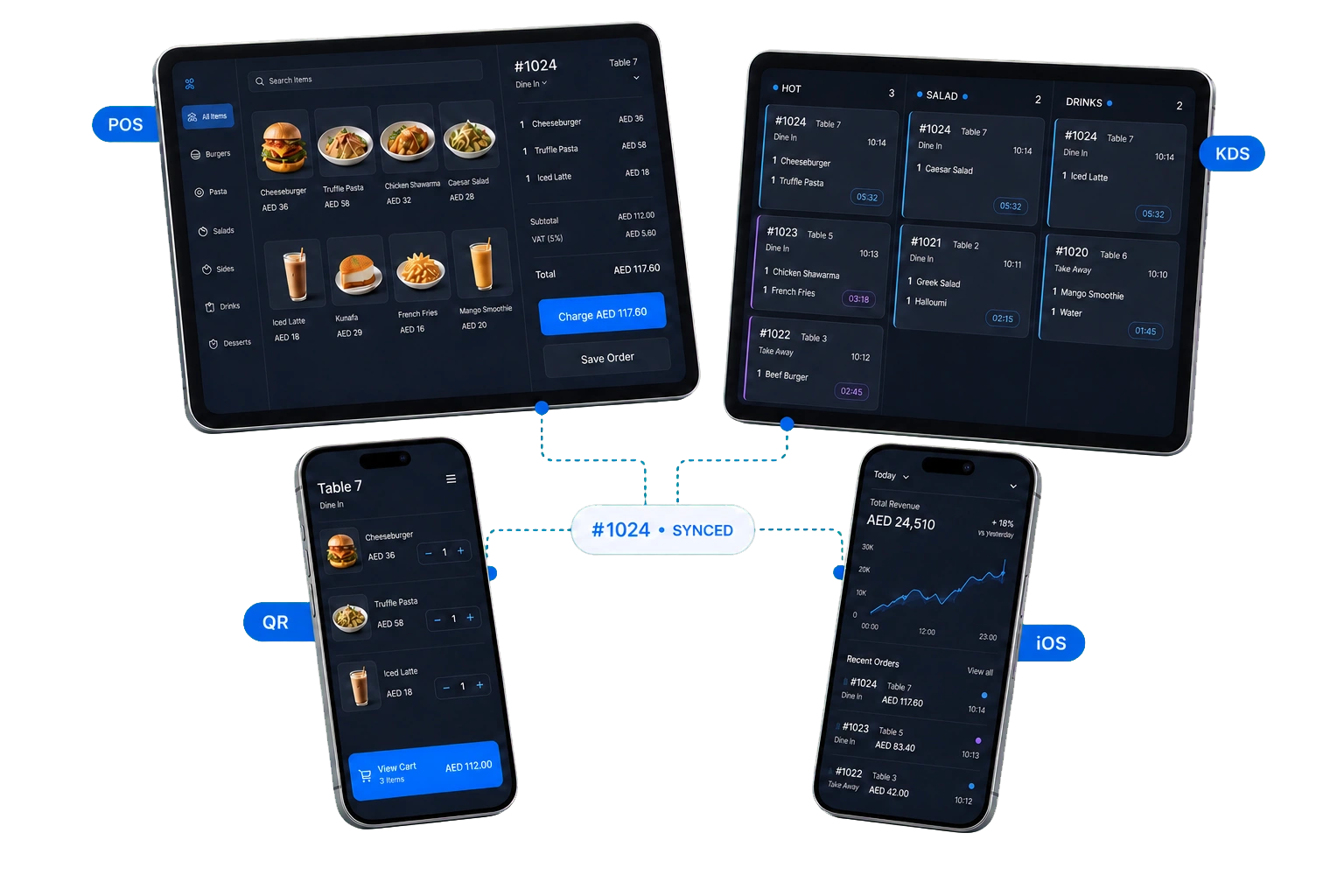
Choose the setup that fits.
Restaurant and retail workflows share one secure platform, while each gets tools designed for its day.
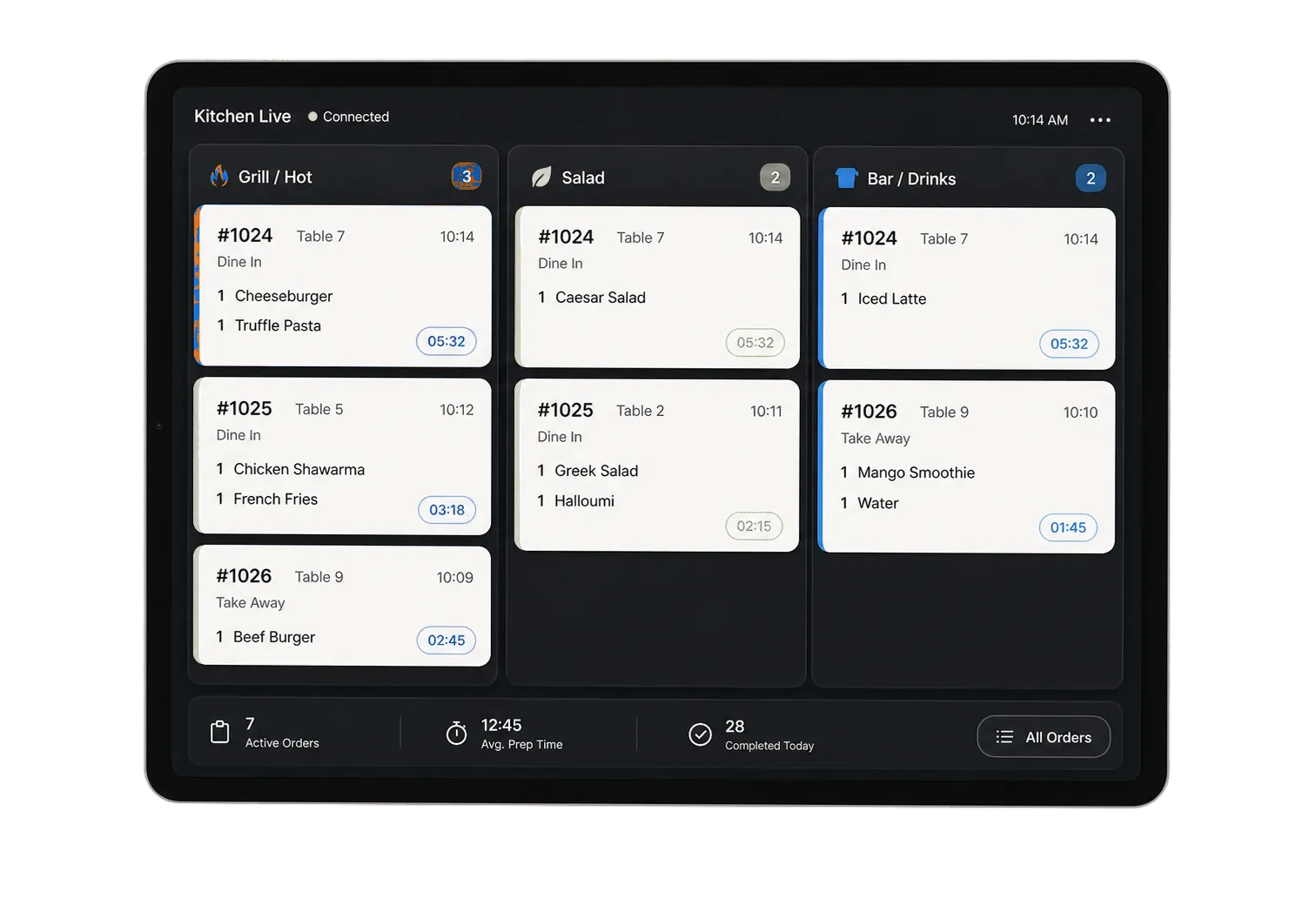
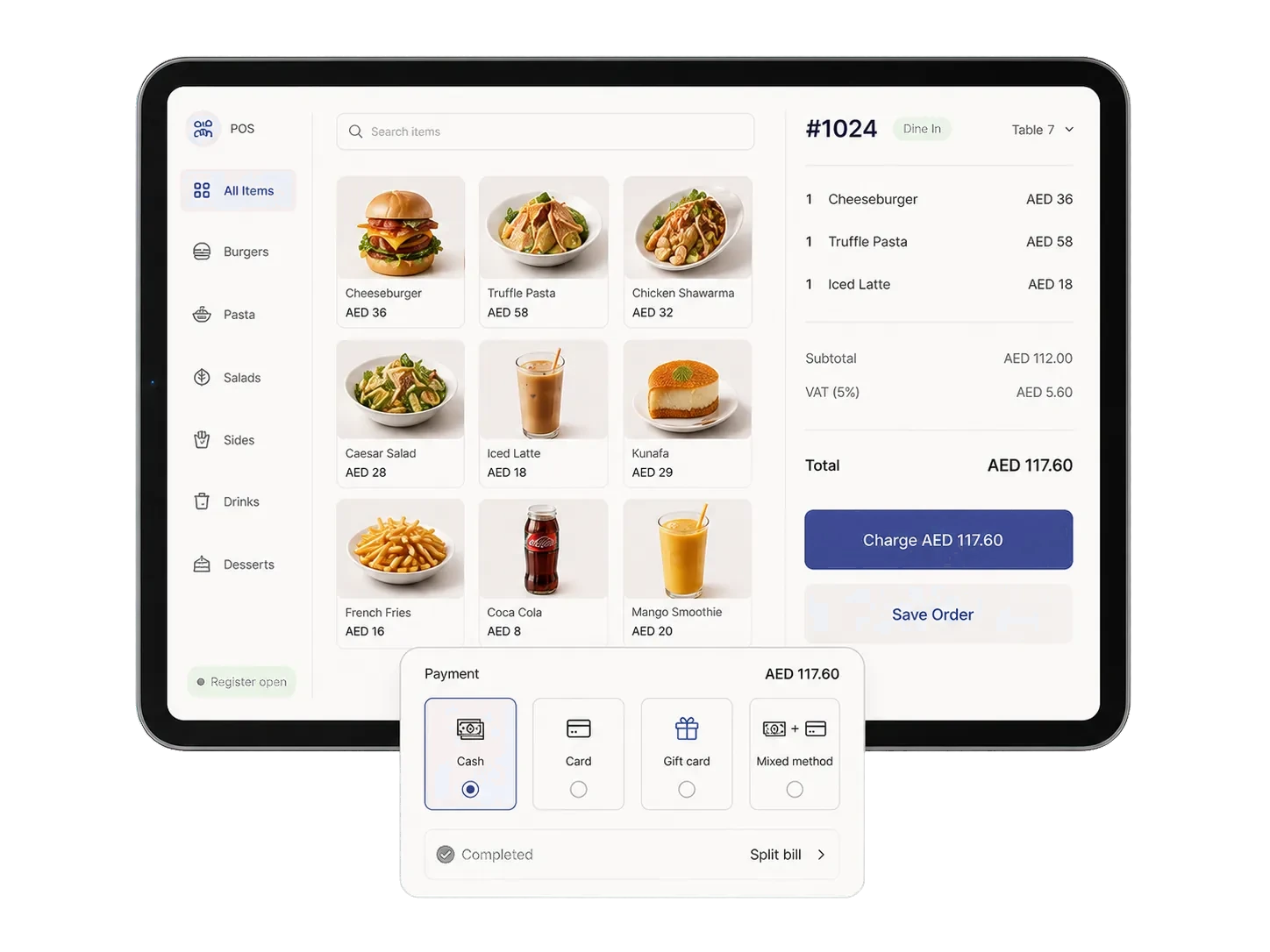
The counter, kitchen, and office stay in sync.
A sale updates the team, the customer, the stock count, and the report without duplicated work.

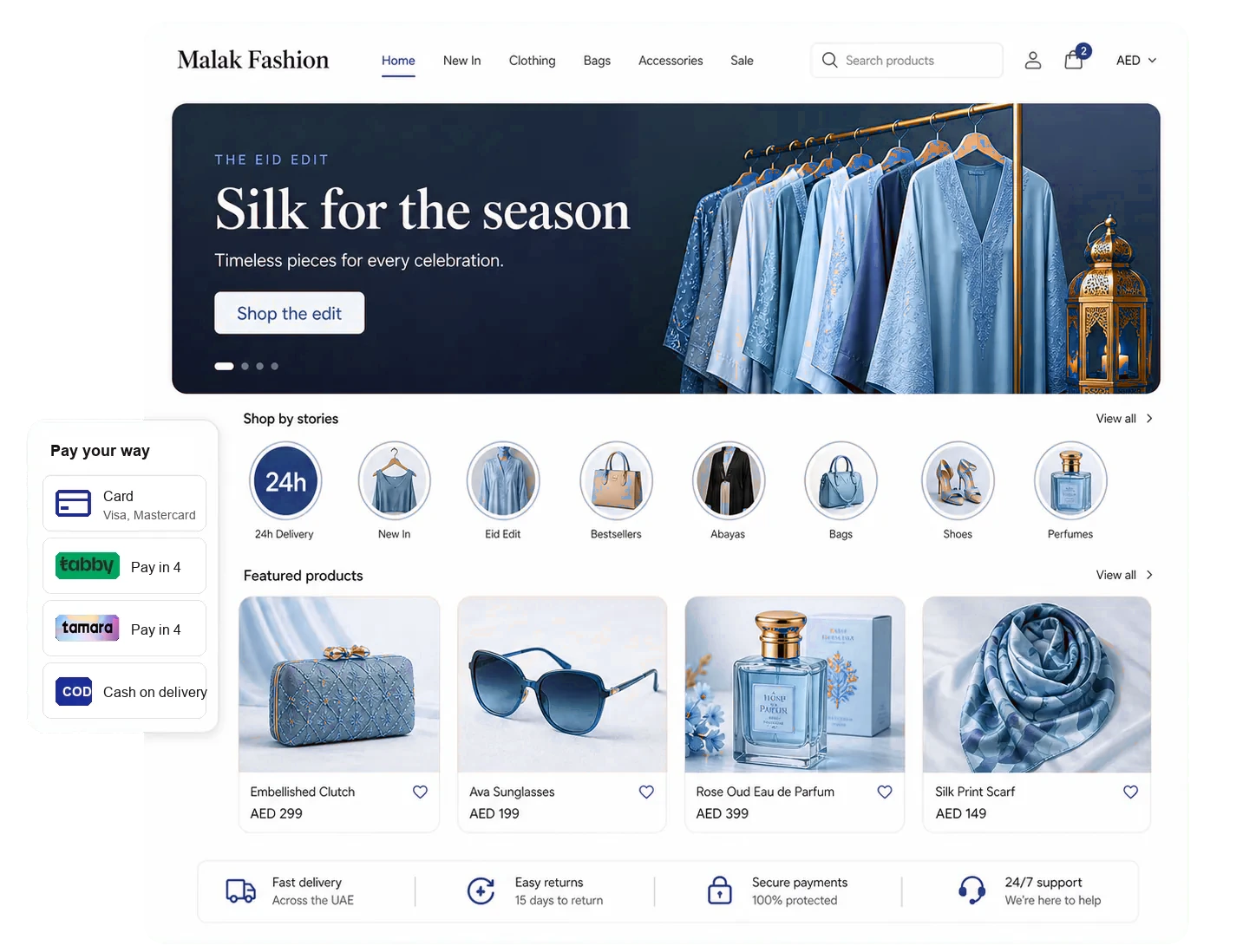
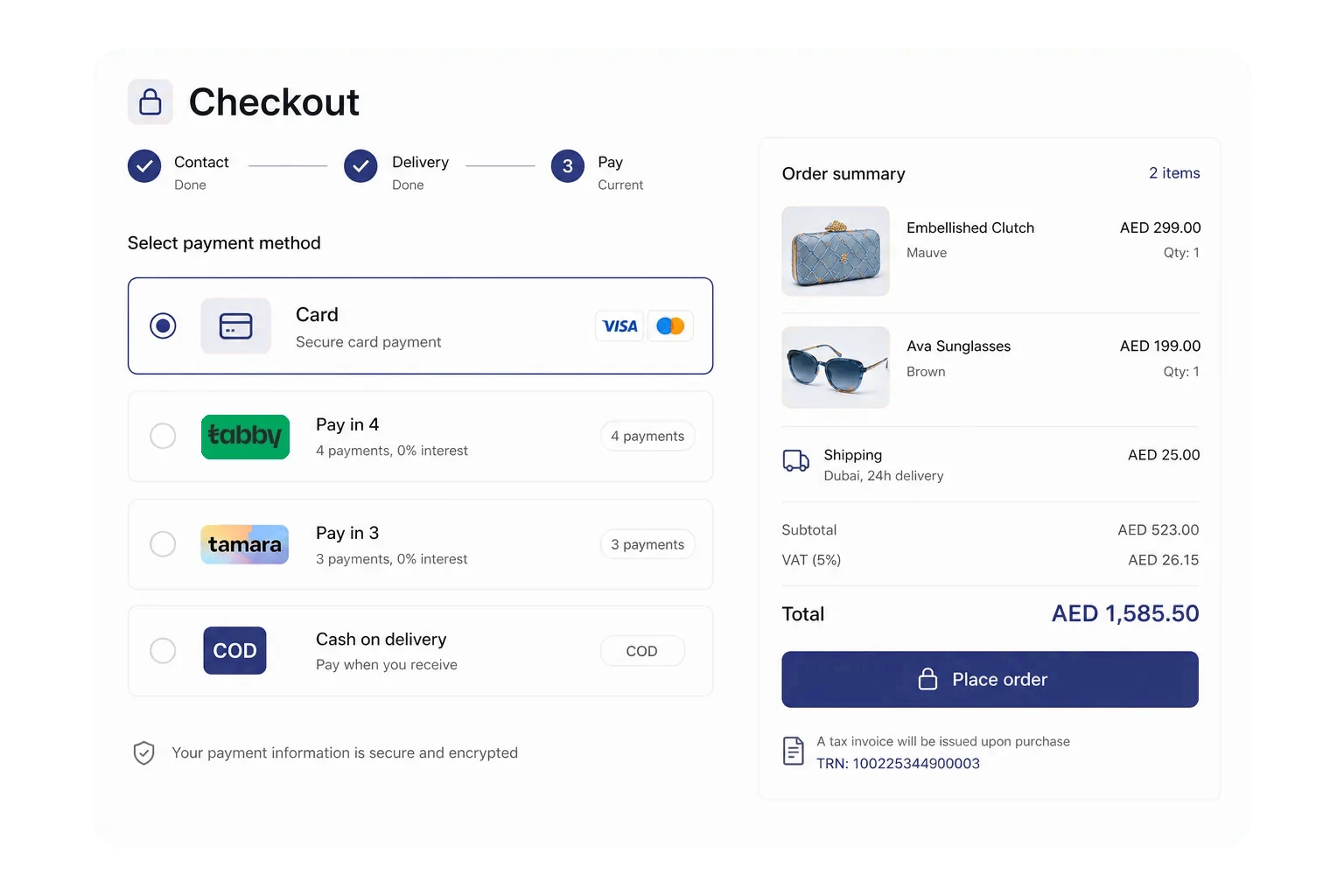
Sell online without adding another system.
Manage products, checkout, shipping, returns, and retail sales from the same administration tools.
- Regional payments and cash on delivery
- Brands, variants, collections, and reviews
- Shipping zones and customer returns
Ready for the GCC from day one.
Operate in the languages, currencies, tax formats, and payment methods your customers already use.
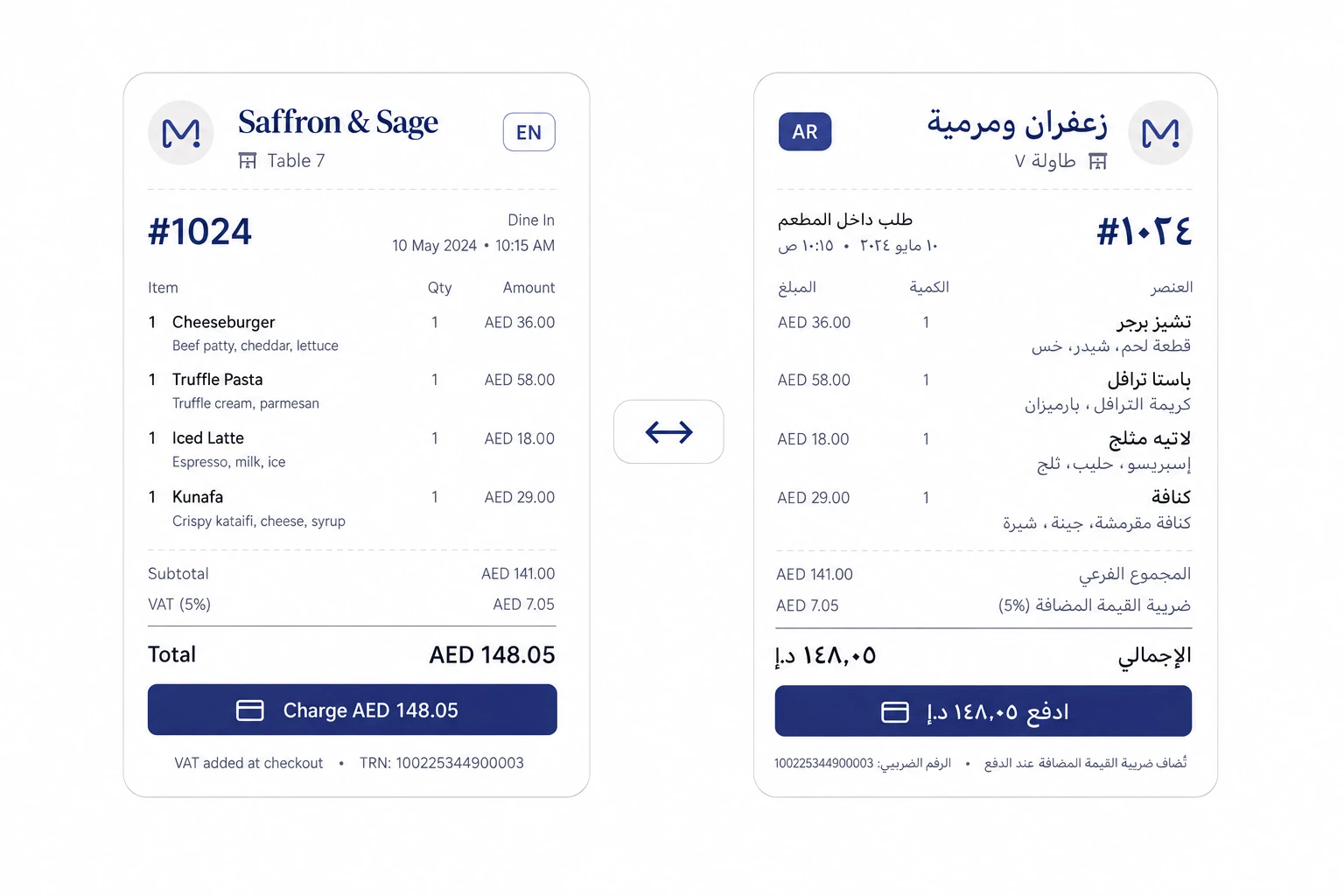
Proper Arabic on every screen.
Arabic and right-to-left layouts work across ordering, receipts, reporting, and administration.
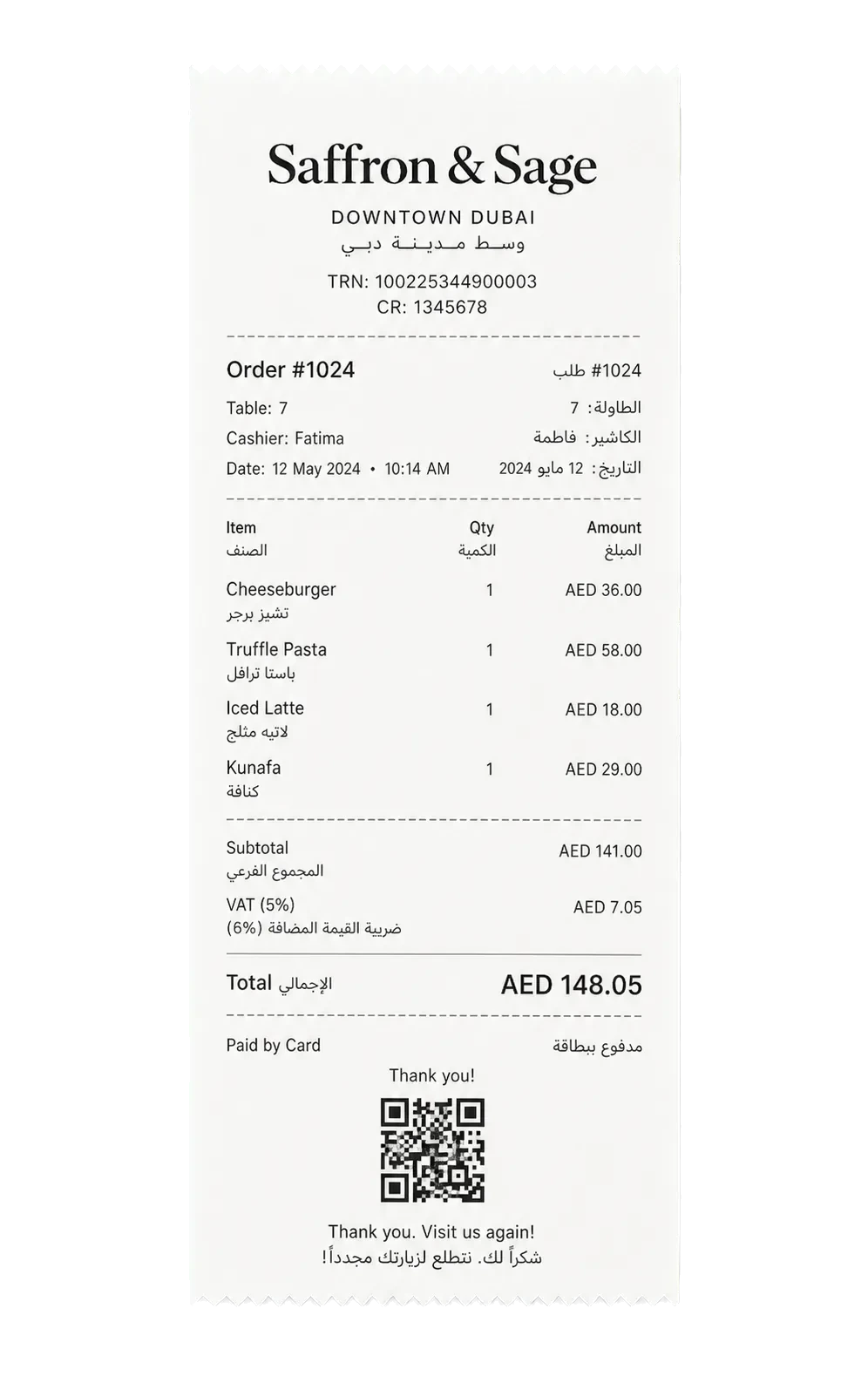
Illustrative receipt.

Receipts built for local tax details.
Store business and tax registration details once, then show them on digital and printed receipts.

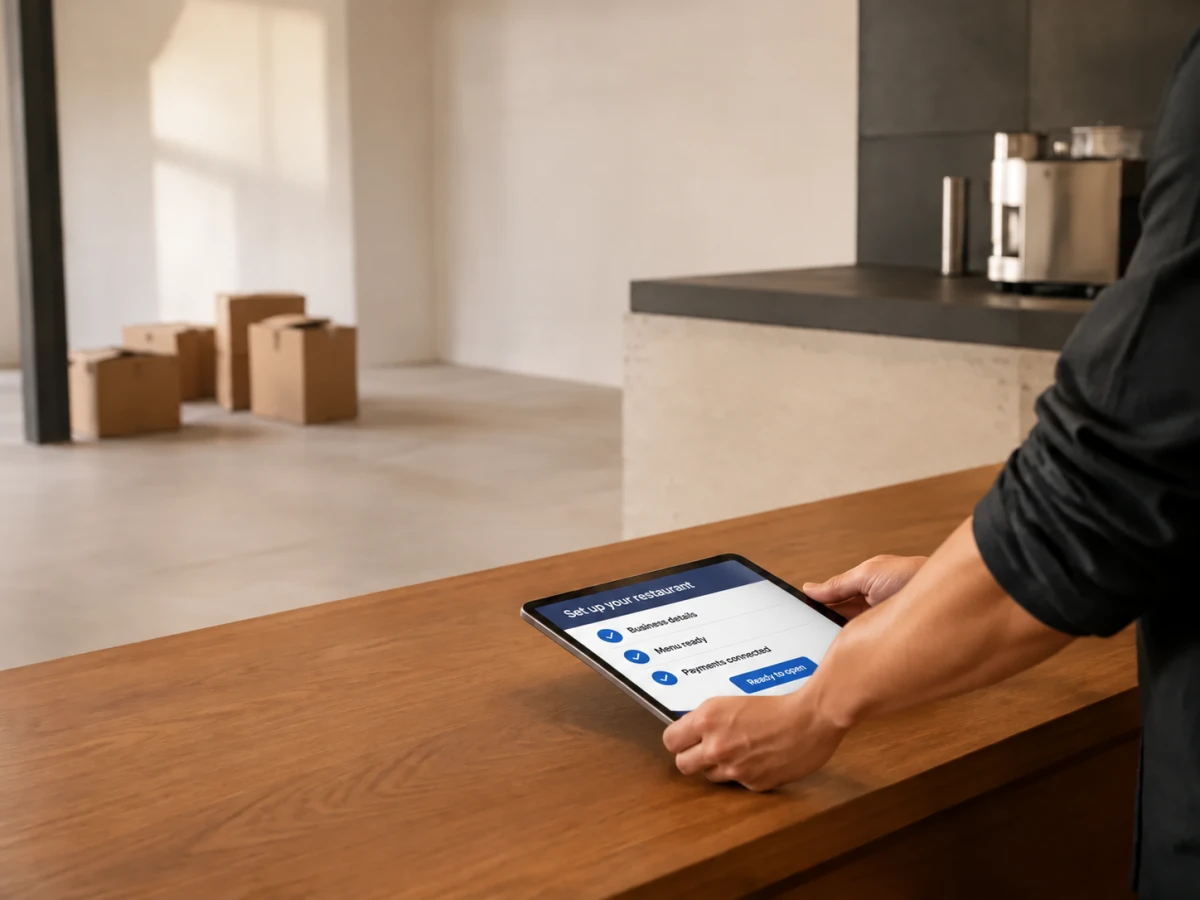
Start selling in three clear moves.
No long implementation project. Set up the essentials, test the flow, and open when you are ready.
Create your business
Choose a restaurant or shop setup and add your business details.
Add what you sell
Enter products, prices, tax settings, photos, and translations.
Test, then open
Place a test order, confirm the workflow, and share your QR or storefront.
Common questions
What is Wink You?
Wink You is one platform to run your whole business in the GCC: sales and point of sale, orders, an online store, stock, customers, loyalty, and reports in one system.
Can I use Wink You for a restaurant or an online store?
Yes. Choose the setup that matches your business. Both use the same secure account, administration tools, billing, and support.
Does it support Arabic?
Yes. Menus, receipts, reports, and administration screens work in Arabic with right-to-left layouts, and in English. The POS and kitchen display staff apps also come in French and Hindi.
Do I need special hardware?
No. Start in a browser or use the apps built for iOS and Android on compatible phones and tablets. Add hardware only when your operation needs it.
How is Wink You priced?
Pricing scales with usage, such as branches, tables, and catalog size. See the pricing page for what each plan includes.
Tell us what you run
Send a message or reach us on WhatsApp. We will show you the right setup for your restaurant or your store.