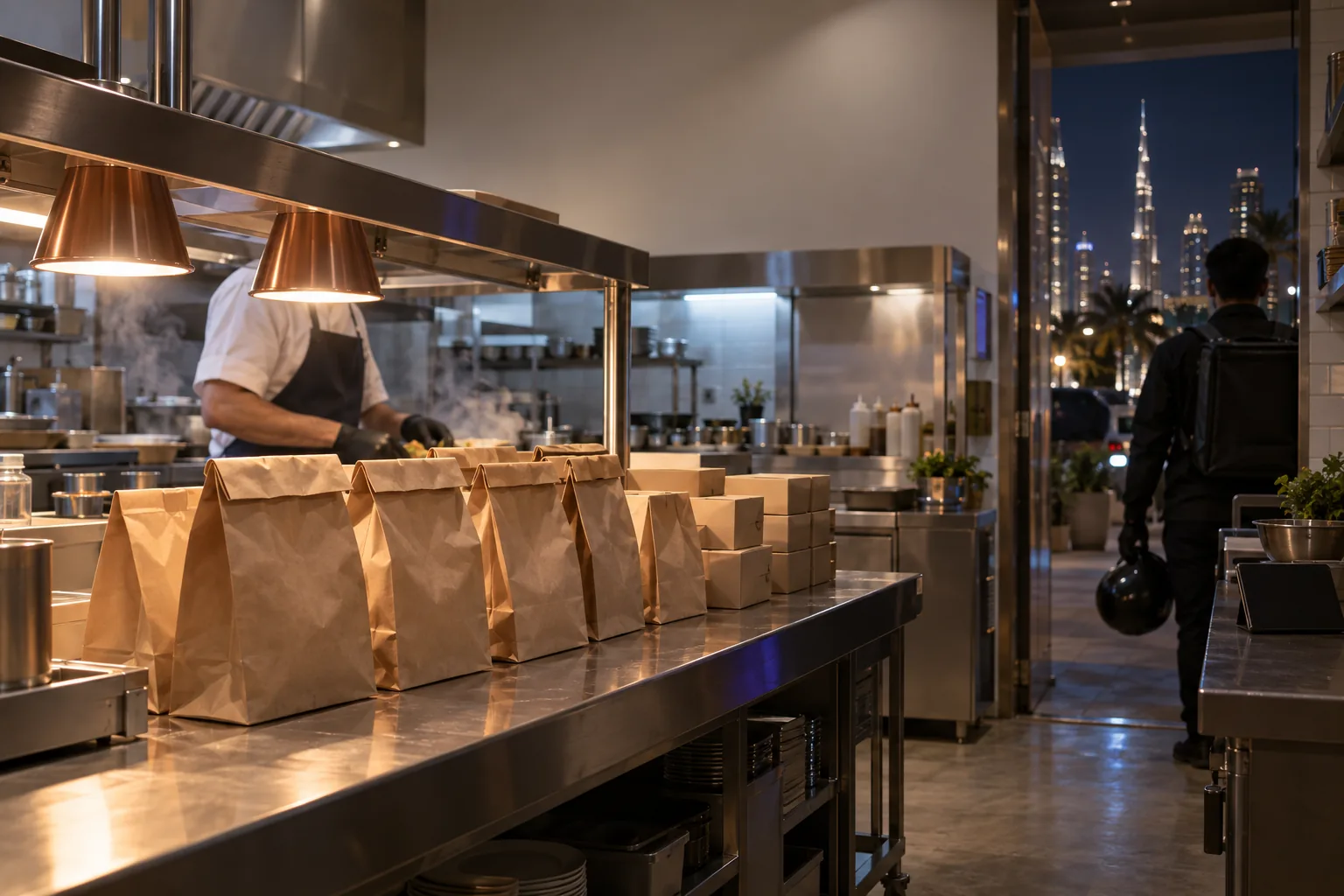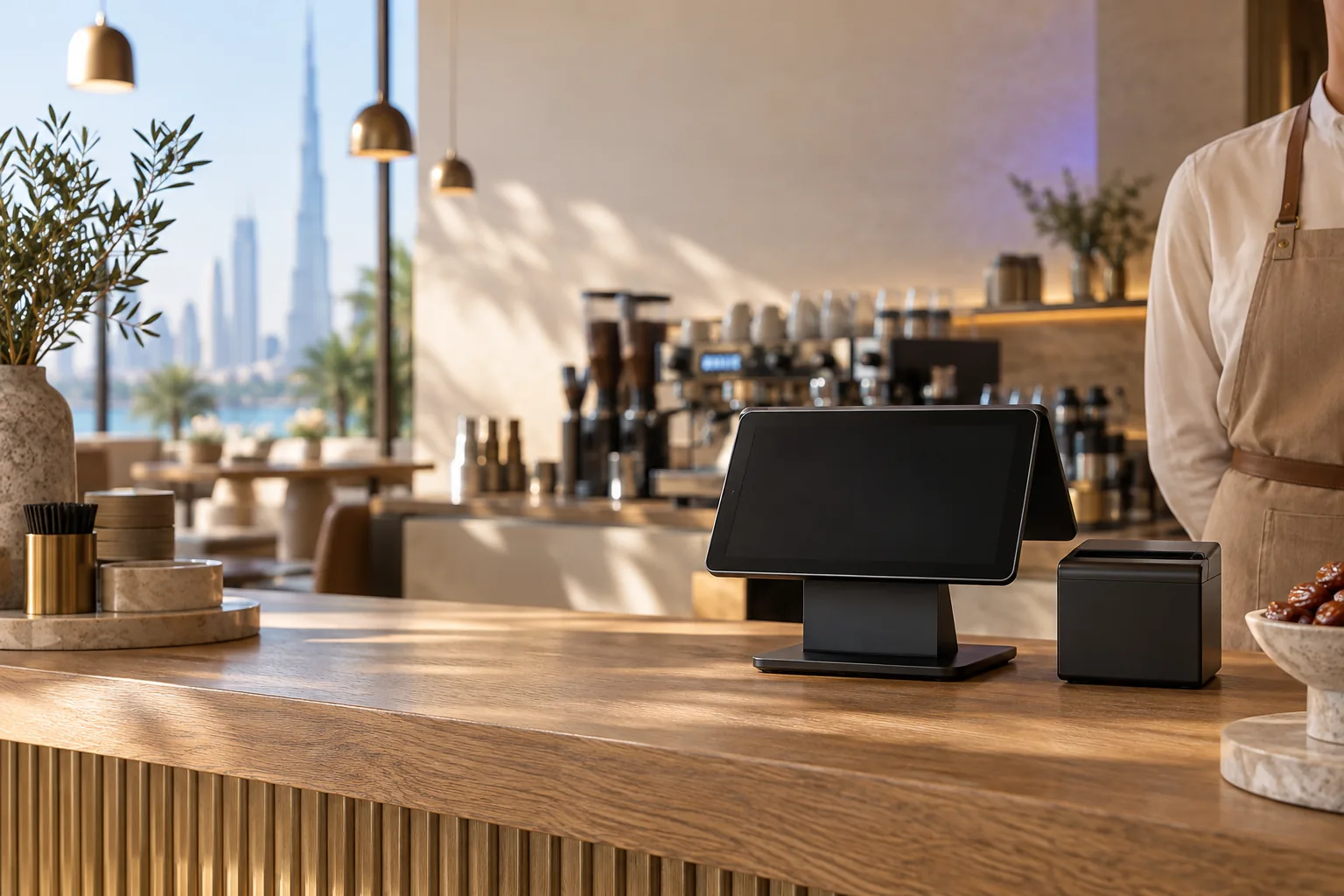
Ask five vendors what a restaurant management system is and you will get five answers. For one it is a cashier app. For another it is a POS plus a kitchen display. For a third it is everything from the till to payroll. The label matters less than the question underneath it: which parts of running your restaurant should live in software, and which parts are you happy to keep on paper, in spreadsheets or in your head?
This guide breaks a restaurant management system into its parts, explains what each one does, and suggests which ones matter for a cafe, a quick service restaurant, a full service restaurant and a cloud kitchen.
The parts of a restaurant management system
Point of sale
The till: orders, payments, split bills, receipts with VAT, shifts and the cash drawer. Everything else feeds from it, so it is the part to choose most carefully.
Kitchen display
A screen in the kitchen that replaces paper tickets, shows orders in sequence with timers, and tells the counter when food is ready.
QR menu and table ordering
A digital menu guests open by scanning a code, with optional ordering, waiter calls and payment from the table.
Inventory and purchasing
Recipes that deduct ingredients as you sell, stock counts, waste records, purchase orders to suppliers, transfers between branches and alerts when it is time to reorder.
Accounting, VAT and payroll
Sales, purchases and expenses recorded properly, VAT figures ready for your return, and staff salaries paid and recorded.
Guests: loyalty, gift cards and reservations
Ways to bring guests back and fill tables: points or rewards, gift cards, and a reservation book with a waitlist.
Online ordering and delivery
Your own online store for pickup and delivery, a way to manage your own drivers, and a clean way to record orders that come from delivery apps.
What each type of restaurant needs first
| Part | Cafe | Full service |
|---|---|---|
| Point of sale | Included | Included |
| Kitchen display | Limited | Included |
| QR menu and table ordering | Included | Included |
| Inventory and recipes | Limited | Included |
| Loyalty and gift cards | Included | Limited |
| Reservations and waitlist | Not available | Included |
| Own online ordering and delivery | Limited | Limited |
This is a starting point, not a rule: a tick means you will likely want it from day one, a partial mark means it depends on your size and menu. A quick service restaurant looks much like a cafe with a busier kitchen, so the kitchen display moves up the list. A cloud kitchen needs the POS, kitchen display, inventory and delivery tools, and can skip tables and reservations entirely.
One platform or separate tools?
You can build your setup from separate products: one POS, a different QR menu, an inventory spreadsheet, an accounting package. That gives you the best known tool in each category, but every pair has to be connected, and when a connection breaks, someone ends up copying numbers by hand. One platform gives you a single menu, a single set of stock figures and one login, at the cost of depending on one vendor.
A practical test: take one dish and follow it. Change its price once. Does the new price appear on the till, the QR menu and the online store without anyone touching them? Sell it. Does the stock go down and does the sale reach your accounts? The fewer manual steps, the less you will spend on fixing mistakes later.
What is different in the UAE
A restaurant management system built for another market can miss things that matter here. Receipts and invoices need to meet UAE VAT rules, with your TRN and prices that include VAT. Arabic has to display and print properly, from right to left, on screens, menus and receipts. Delivery is a large part of the business for many restaurants in Dubai and across the UAE, so delivery app orders need a clear place in your reports. And restaurant teams here are usually multinational, so the system should be quick to learn and show each role only the screens it needs.
Staff, shifts and permissions
The parts of a restaurant management system that save the most money are often the least exciting. Give every staff member their own login or PIN, so voids, discounts and refunds are recorded against a name. Limit who can give a discount or reopen a closed bill. Count the cash drawer at every shift change, so a short count belongs to one shift rather than to everyone. These controls only work if the system makes them quick, so test them in the demo with the person who will actually close the till at night.
Roll it out in stages
- Stage 1: POS and kitchen display, with the full menu, modifiers and VAT set up correctly.
- Stage 2: QR menu, starting with menu only, then ordering when the team is ready.
- Stage 3: Recipes and stock counts for your top sellers, then the rest of the menu.
- Stage 4: Loyalty, gift cards and your own online ordering.
- Stage 5: Accounting and payroll in the same system, once the sales data is clean.
Questions to ask before you buy
- Which parts are included in the price, and which are paid add-ons?
- Does a price change in one place update everywhere?
- Does the POS keep working if the internet drops, without duplicating orders?
- Are receipts and invoices built for UAE VAT, with your TRN?
- How does the system handle a second branch, and stock transfers between branches?
- How are delivery app orders recorded?
- Can your accountant export what they need without asking you every month?
Wink You as a restaurant management system
Wink You covers every part listed above on one account: a POS that works offline without duplicate orders, a kitchen display, the QR Digital Menu with table sessions and waiter calls, reservations, loyalty with an Apple Wallet pass, gift cards at the POS and in the online store, your own online store, delivery dispatch with a driver app, inventory with recipes, transfers, waste, purchase orders and reorder alerts, and double-entry accounting with payroll and UAE VAT. Delivery app orders are entered and tagged by your team rather than connected directly. It runs one branch or many from the same login.
Book a demo and tell us which stage you are at. We will show you the parts that matter for your restaurant first.
Useful pages
- Point of sale: winkyou.com/products/point-of-sale
- Kitchen display: winkyou.com/products/kitchen-display
- QR Digital Menu: winkyou.com/products/qr-menu
- Inventory: winkyou.com/products/inventory
- Online store: winkyou.com/products/online-store
- Book a demo: winkyou.com/demo
Frequently asked questions
Is a POS the same as a restaurant management system?
A POS is one part of it. A restaurant management system adds the kitchen, menu, stock, guests and accounts around the till.
Do small cafes need a full system?
Not on day one. Start with the POS and a QR menu, and add stock and loyalty as you grow. What matters is choosing a system that can grow with you, so you do not have to switch later.