If you are opening a restaurant or cafe in the UAE, or replacing a cashier system that keeps letting you down, the POS is the first piece of software you will buy and the one your team will touch most. It sits on the counter, takes every order, prints every receipt, and feeds every report you read at the end of the month. Choosing badly is expensive, not because of the subscription, but because of the hours your staff lose working around it.
This guide explains what restaurant POS software actually does, what matters specifically in the UAE, and how to test a system before you sign.
What restaurant POS software actually is
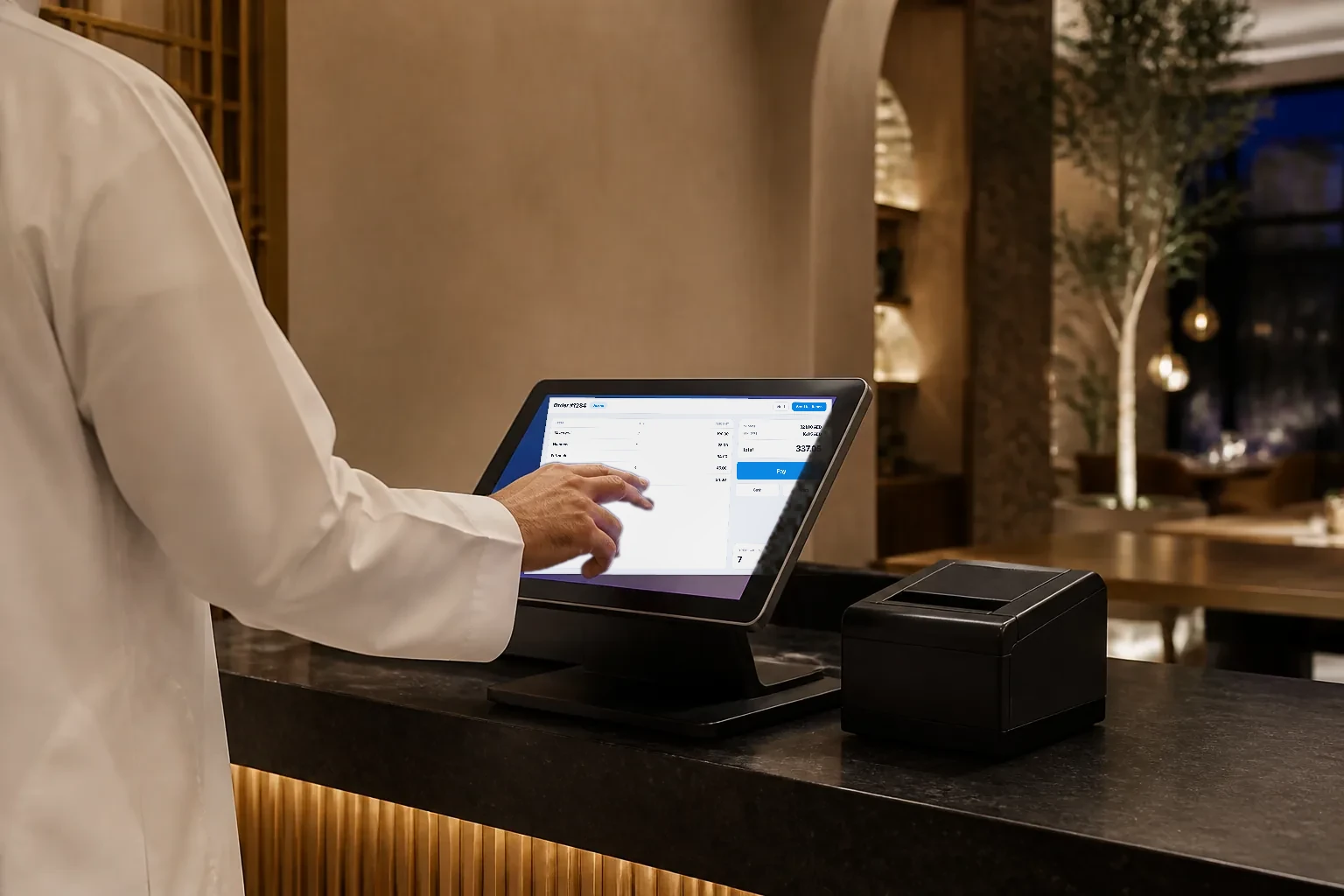
POS stands for point of sale. In a restaurant it is the cashier screen where orders are entered and paid, plus the back office behind it where you set up the menu, prices, staff, taxes and reports. Older cashier systems were a locked terminal with software installed on it. A modern POS system is usually cloud based: the till runs as an app on a tablet, phone or computer, and the data lives online, so you can see your sales from anywhere.
A good POS does far more than a cash register. Day to day it should handle:
- Orders for dine in, takeaway and delivery, with modifiers such as size, an extra shot or no onions.
- Sending each order to the kitchen, on a kitchen display or a kitchen printer.
- Splitting a bill by item or by amount, and taking cash, card and gift cards on one bill.
- Printing a VAT invoice with your Tax Registration Number (TRN).
- Opening and closing shifts, counting the cash drawer and flagging a short count.
- Controlling what each staff member can do, for example voids and discounts only with a manager PIN.
- Reporting sales by item, hour, staff member and branch.
Why the choice matters more in the UAE
A few things about running a restaurant in the UAE turn some POS features from nice to have into essential.
VAT on every sale
If your business is registered for VAT, the Federal Tax Authority (FTA) expects a tax invoice for every taxable sale at the standard 5% rate, and prices shown to customers, including on your menu, must include VAT. Your cashier system has to get this right on every receipt without anyone doing sums by hand. We cover the details in our guide to UAE VAT invoices for restaurants.
Arabic on screen and on paper
Guests and staff expect Arabic to display properly, right to left, on the menu, on the screen and on the printed receipt. Test this in the demo with your own Arabic item names, not the vendor's sample menu, because broken Arabic letters on a thermal receipt are a common problem.
Delivery is part of the day
Most UAE restaurants take orders from delivery apps as well as at the counter. Ask how those orders get into the POS. Some systems connect directly to specific apps. Others, including Wink You, let staff enter each delivery app order and tag it with the app it came from, so it still reaches the kitchen and your sales reports. Either way, you want delivery sales in the same reports as dine in.
A second branch comes sooner than you think
Plenty of concepts in Dubai and across the UAE open a second location or a cloud kitchen within their first couple of years. A POS that runs several branches from one account saves you a painful move to a new system later.
Cloud POS or a traditional cashier system?
The traditional setup is a local server in the back office with terminals wired to it. A cloud POS runs on devices you can replace in an hour, updates itself, and lets you check sales from home. The old argument for local systems was that they keep working when the internet drops. A well built cloud POS now does that too, by saving orders on the device and sending them when the connection returns.
| What you get | Cloud POS | Local server |
|---|---|---|
| Check sales from your phone at home | Included | Limited |
| Updates without a technician visit | Included | Not available |
| Keeps selling during an internet outage | Limited | Included |
| Data backed up off site automatically | Included | Limited |
| Runs on tablets and phones you already own | Included | Not available |
The partial mark on offline selling is the one to dig into, because it depends on the vendor. Ask exactly what happens to an order taken during an outage, and whether it can ever be sent twice when the connection returns. Duplicate orders in the kitchen cost you food and patience.
Features to check before you sign
- Offline mode: orders are saved on the device during an outage and sent once, with no duplicates, when the internet returns.
- Kitchen connection: orders reach a kitchen display or kitchen printer instantly, with modifiers shown clearly.
- Split bills and mixed payments: split by item or amount, and mix cash, card and gift card on one bill.
- VAT invoices: 5% VAT worked out correctly, your TRN printed, and discounts and refunds handled properly.
- Cash control: opening float, cash in and out, closing count, and a report for every shift.
- Staff permissions: voids, refunds and discounts limited by role or manager PIN.
- Menu management: modifiers, combos, item photos, and marking an item sold out from the till.
- Inventory: recipes that deduct stock as you sell, with alerts when it is time to reorder.
- Reports: sales by item, hour, staff and branch, easy to export for your accountant.
- Hardware choice: runs on tablets you already own, and prints to thermal printers over Bluetooth or LAN.
What hardware you actually need
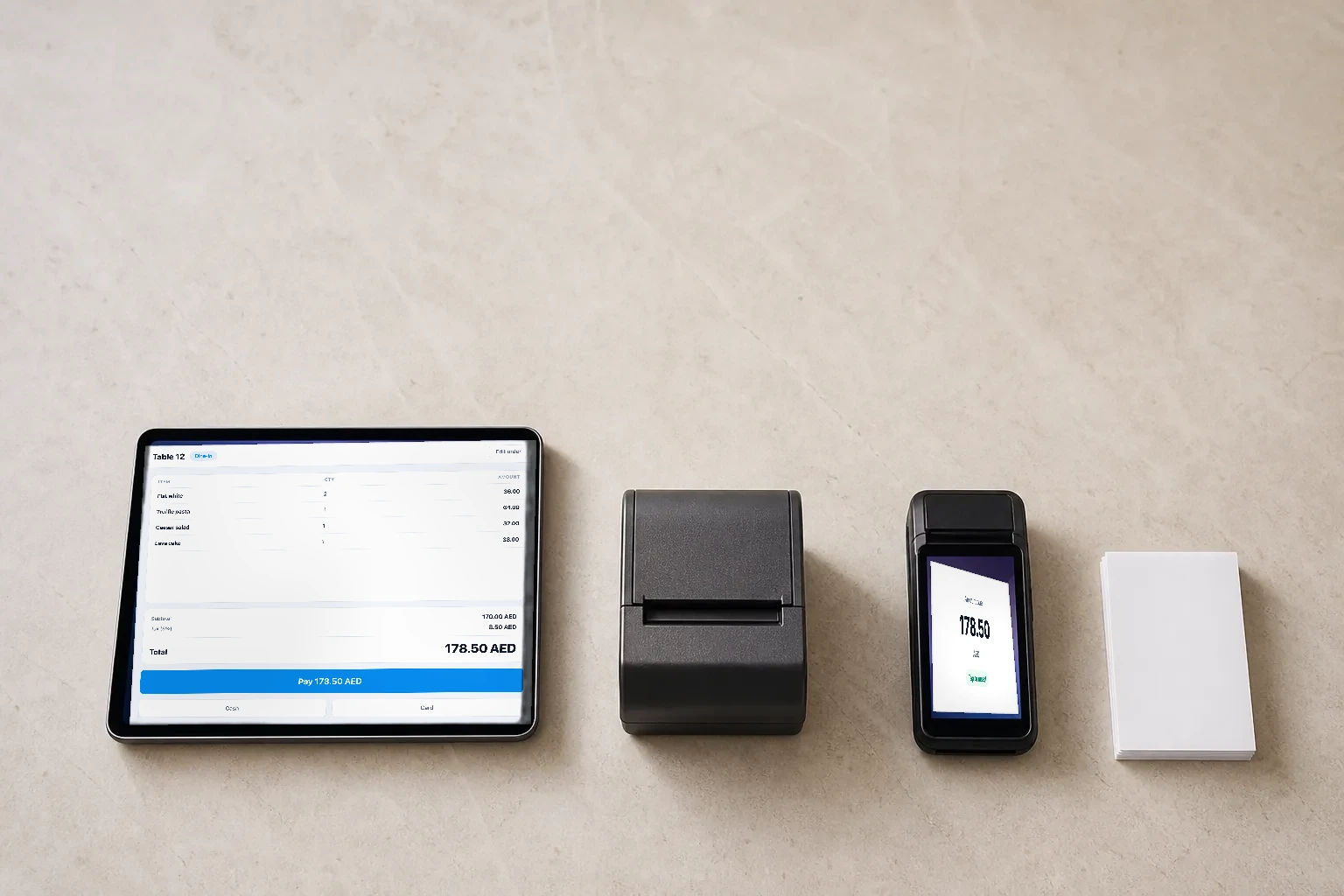
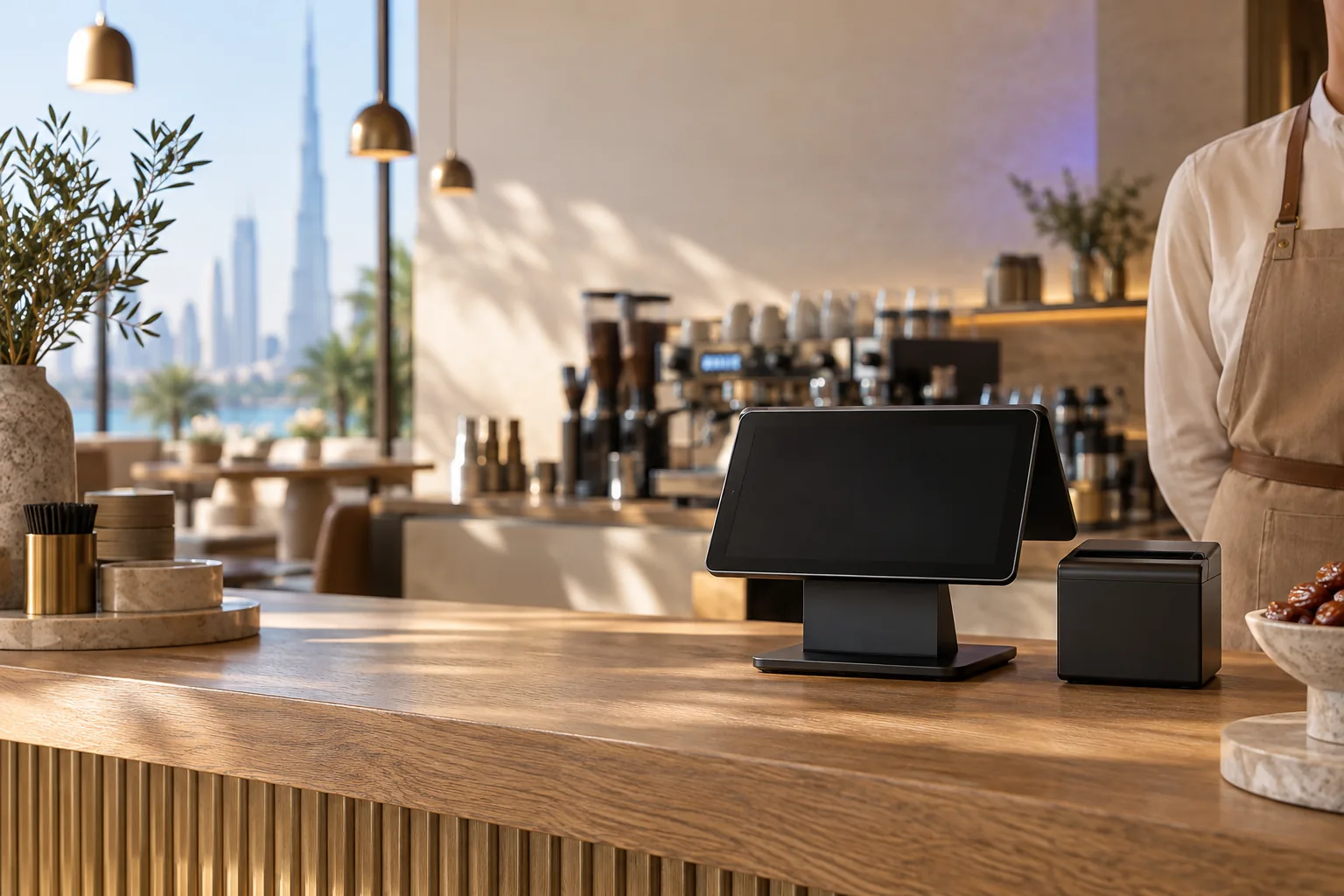
For a single counter you need far less than most hardware bundles suggest:
- A tablet or phone for the till. An iPad or an Android tablet is the most common choice.
- A thermal receipt printer, connected by Bluetooth or by network cable (LAN). LAN is the steadier option for a busy counter.
- A cash drawer, usually opened by the receipt printer.
- A card terminal from your bank or payment provider.
- Optionally, a second screen facing the customer, and a kitchen display or kitchen printer.
Before you buy anything, confirm which printer models the POS supports. Arabic text on cheap printers is where many setups go wrong.
Questions to ask in every demo
- Can you take an order offline and sync it, live, right now?
- Can I see a printed receipt with Arabic item names and the VAT line?
- How do delivery app orders get into the system?
- What does a second branch cost, and what changes in the setup?
- Which features cost extra, and which are in the base price?
- How do I export my data if I ever leave?
How Wink You approaches the POS
Wink You is a restaurant management system made for the UAE, with the POS at its centre. The till runs in a browser or as an app on iPhone, iPad, Android and Windows, keeps taking orders when the internet drops, and sends them once it returns, without duplicates. Orders go to the kitchen display, receipts print on thermal printers over Bluetooth or LAN, and invoices carry 5% UAE VAT and your TRN. The same account runs the QR Digital Menu, inventory, loyalty and accounting, across as many branches as you have.
If you want to see it working with your own menu, book a demo and bring your menu with you.
Useful pages
- Point of sale: winkyou.com/products/point-of-sale
- Kitchen display: winkyou.com/products/kitchen-display
- QR Digital Menu: winkyou.com/products/qr-menu
- Restaurant software in the UAE: winkyou.com/uae
- Book a demo: winkyou.com/demo
Frequently asked questions
What is the difference between a POS and a cashier system?
In everyday use they mean the same thing. 'Cashier system' usually describes the till itself, while 'POS system' also covers the back office: menu, staff, VAT and reports.
Does a POS in the UAE need to handle VAT?
If your business is registered for VAT, yes. Every taxable sale needs a tax invoice showing your TRN and the VAT charged. A POS that does this automatically saves you from fixing receipts by hand.
What happens if the internet goes down?
It depends on the system, so ask to see an offline order taken and synced during the demo. Wink You saves orders on the device and sends them once the connection is back.