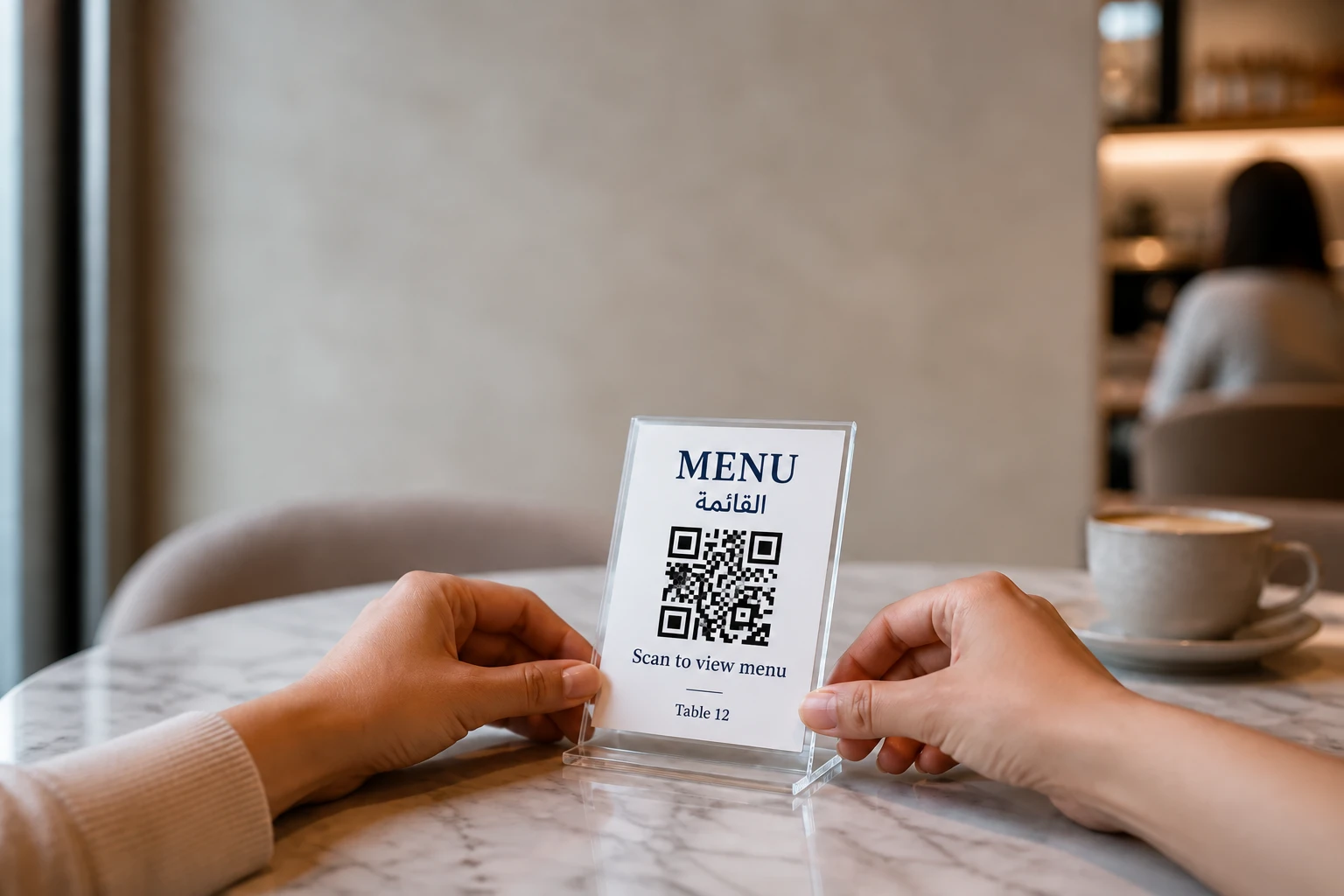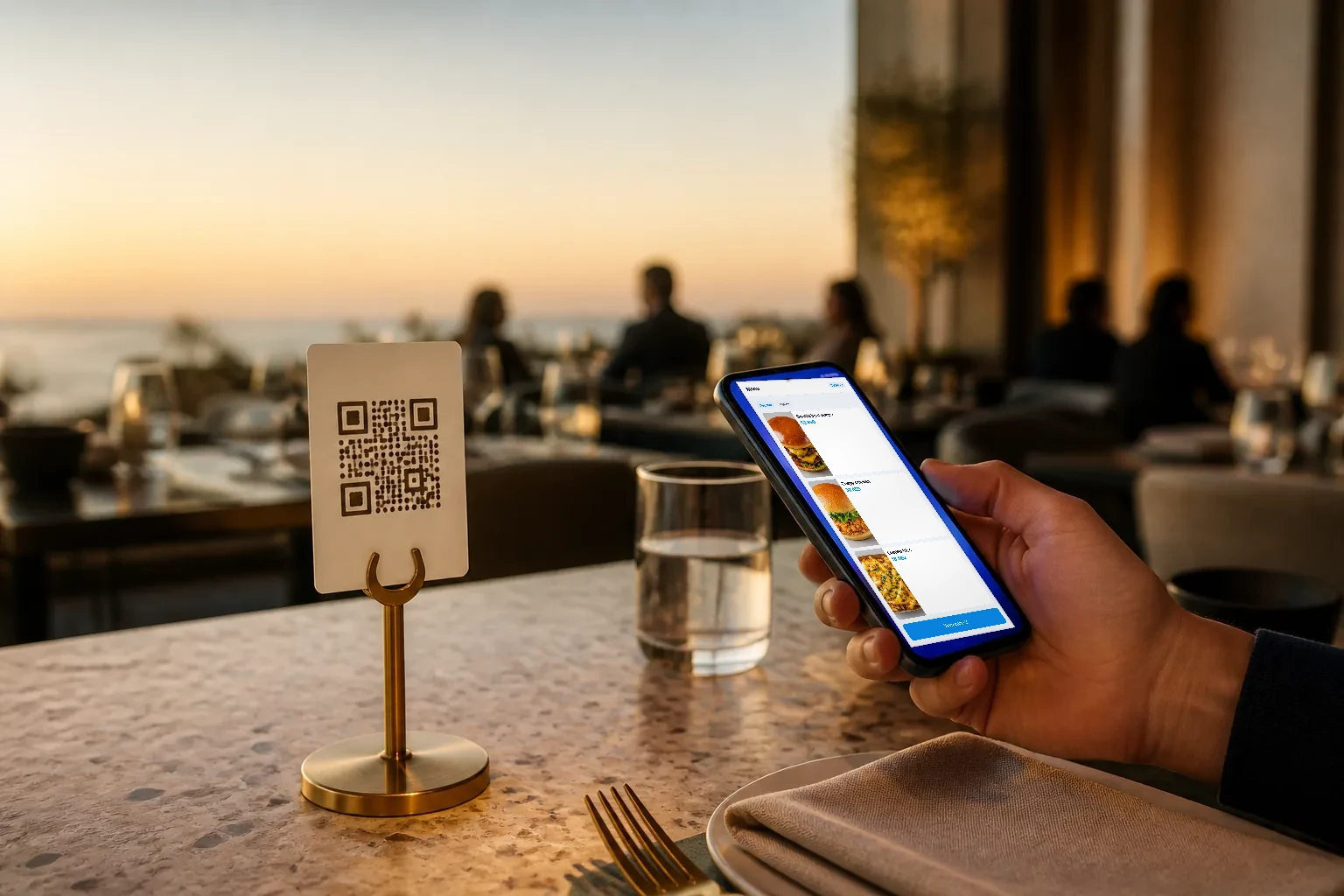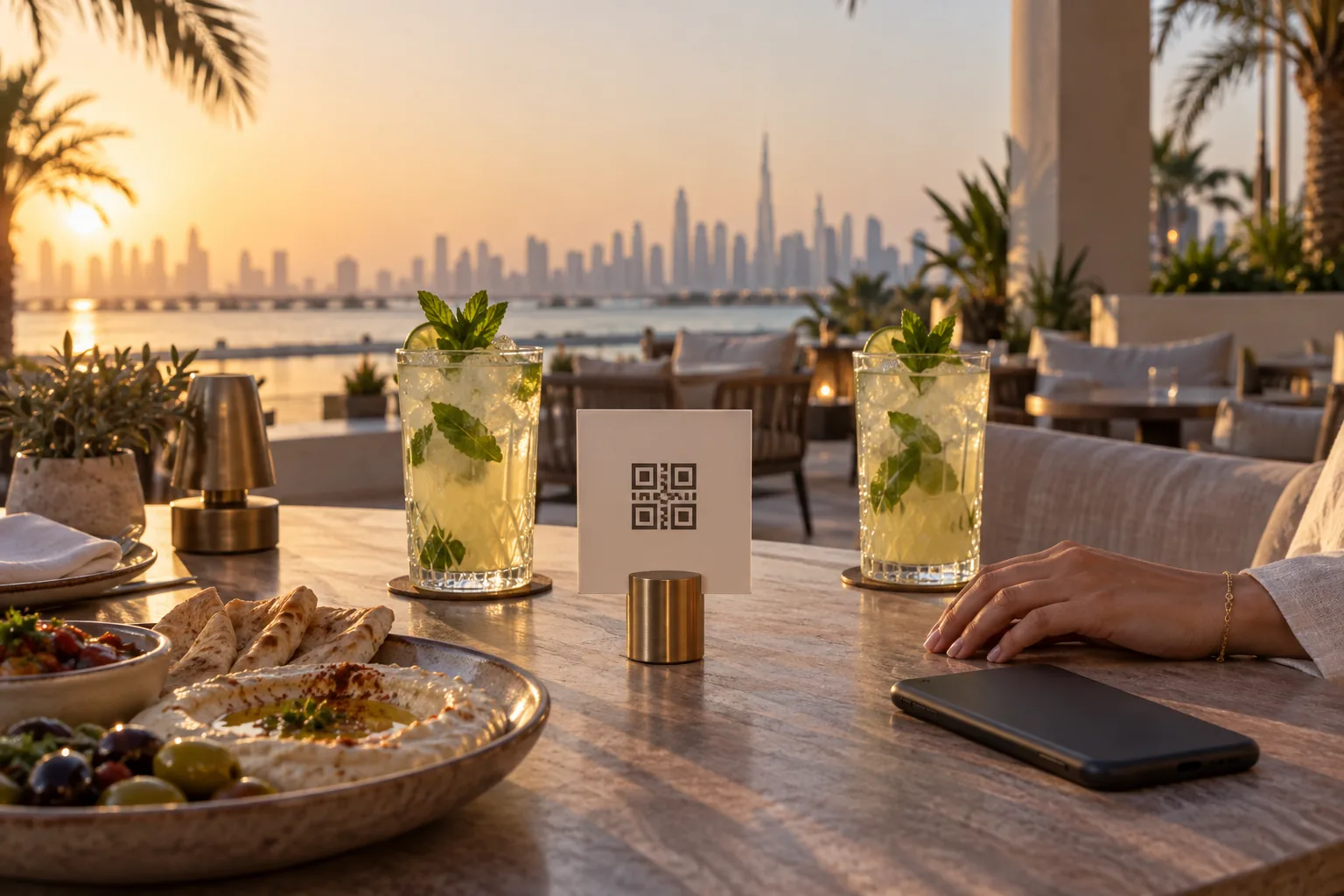
Walk into almost any cafe in Dubai and you will find a small code on the table. Some lead to a PDF of the old printed menu. Some open a proper digital menu with photos. A few let you order and pay without waiting for anyone. They are all called QR menus, but they are very different tools, and the difference shows up in your sales and in your service.
This guide covers what a QR menu is, the three ways restaurants use one, what guests in the UAE expect, and a practical setup checklist.
What a QR menu is, and what it is not
A QR menu is a digital menu that opens in the guest's phone browser when they point the camera at a code. No app, no account. A good one is a real web page built for a phone screen, with categories, photos, prices, descriptions, and items that disappear when they sell out.
A PDF of your printed menu is technically a QR menu too, but it is the weakest version. It loads slowly on mobile data, it is hard to read on a small screen, you cannot update it without replacing the file, and it cannot take an order. If you are starting fresh, skip the PDF.
Three ways restaurants use QR menus
1. Menu only
Guests scan, browse, then order from a waiter as usual. This is the simplest start and suits fine dining and places where talking to staff is part of the experience. You still gain live prices, photos, and the ability to hide a sold out dish in seconds.
2. Order from the table
Guests add items to a basket and send the order straight to the kitchen. Staff still bring the food and handle payment. This works well in busy cafes, food halls and casual dining, where waiting to place an order is the main complaint.
3. Order and pay at the table
Guests order and then pay from their phone, including splitting the bill between them. Tables turn over without anyone waiting for the card machine. This suits quick service and high volume casual dining, and it frees staff to focus on food and hospitality.
You do not have to choose one forever. Many restaurants start with menu only, then switch on ordering for some tables or certain hours once the team is comfortable.
What guests in the UAE expect from a digital menu
- Arabic that reads properly from right to left, not a machine translation squeezed into an English layout.
- Prices that include VAT. The FTA requires prices advertised to consumers, including on food menus, to include VAT, and that applies to a digital menu as much as a printed one.
- Clear photos of the main dishes. A menu without photos makes people order the one thing they already know.
- Allergen and calorie information where you have it, shown next to the dish rather than on a separate page.
- Fast loading on mobile data, because many guests will not join your Wi-Fi.
- A way to call a waiter without waving across the room.
How to set up a QR menu: a practical checklist
- Clean up the menu first. Remove dishes you no longer make, merge duplicates, and write short, specific descriptions.
- Set up modifiers properly: sizes, add-ons, cooking preferences and removals such as no onions. This is where most ordering mistakes start.
- Photograph your best sellers in natural light. Ten good photos beat fifty dark ones.
- Enter prices including VAT, and check the totals on a test order.
- Create one code per table, so every order arrives with its table number.
- Print the codes on wipeable stands or stickers, large enough to scan from a seated position.
- Test every table before opening: scan, order, check it reaches the kitchen, and pay.
- Brief the team on what guests will see, and how to help someone who prefers to order the usual way.
Table codes, sessions and waiter calls
One code for the whole restaurant is the most common mistake. With one code per table, every order arrives already linked to its table, and a table session can hold several rounds of orders from different phones until the bill is settled. Add a call waiter button and guests can ask for water, the bill or help without leaving their seat.
Keeping the menu current after launch
The real advantage of a digital menu shows up after the first week. Prices change, a supplier runs short, a new dish goes on special. Make one person responsible for the menu, and agree that every change is made in the system first, never by just telling the waiters. When an item runs out during service, mark it sold out from the till so it disappears from every table at once. Then review the menu every month: dishes that nobody orders are candidates to remove, and dishes that sell less than you expected often need a better photo or a clearer description.
How QR orders reach the kitchen
An order placed from a phone has to land in the same place as an order taken at the counter. Otherwise you end up with two queues and staff copying orders by hand. Look for a QR menu that feeds the same kitchen display or kitchen printer as your restaurant POS, and that shows each order in your POS reports with the right table and the right VAT.
Mistakes to avoid
- A PDF menu that cannot be updated and cannot take orders.
- No photos, or photos so dark they hurt the dish.
- Prices that do not include VAT, so the bill surprises the guest.
- Forcing guests to download an app or create an account before they can see the menu.
- QR orders that do not reach the kitchen automatically.
The QR Digital Menu from Wink You
Wink You's QR Digital Menu is a web page, so there is nothing for guests to install. It shows your live menu with photos, prices, allergens and calories, and hides sold out items automatically. It starts as a menu only by default, and ordering, the call waiter button and feedback are switches you turn on when you are ready. Guests can order from the table, split the bill and pay their own share, and every order goes to the same kitchen display and the same reports as your POS. Reservations and a waitlist run on the same account.
If you want to see it with your own dishes, book a demo and we will set it up with your menu.
Useful pages
- QR Digital Menu: winkyou.com/products/qr-menu
- Point of sale: winkyou.com/products/point-of-sale
- Kitchen display: winkyou.com/products/kitchen-display
- Restaurant software in the UAE: winkyou.com/uae
- Book a demo: winkyou.com/demo
Frequently asked questions
Do guests need an app to use a QR menu?
No. A proper QR menu opens in the phone's browser straight from the camera. If a system needs an app download, many guests will give up.
Can I keep printed menus as well?
Yes, and it is worth keeping a few for guests who prefer paper. The QR menu should be the up to date version, with live prices and sold out items hidden.
Do QR menu prices have to include VAT in the UAE?
For VAT registered businesses, yes. The FTA requires prices advertised to consumers, including on food menus, to include VAT.